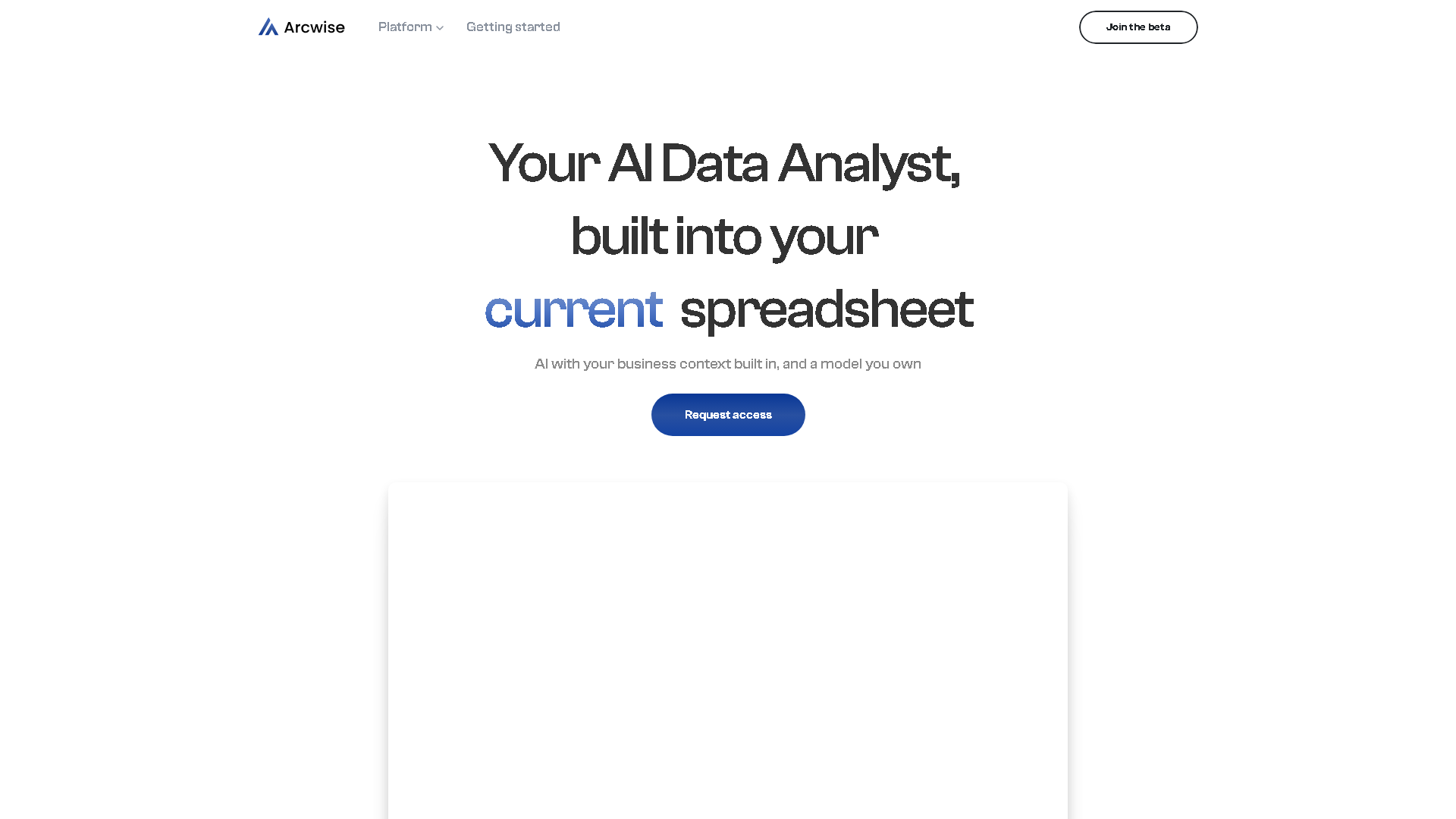

Arcwise AI
Arcwise
About Arcwise AI - Development & APIs AI Tool
Key Features of Arcwise AI
- Advanced Development & APIs capabilities powered by AI
- User-friendly interface designed for SQL Query Builder
- Professional-grade features
- Compatible with modern web browsers and devices
- Regular updates and improvements
Who Should Use Arcwise AI?
Arcwise AI is perfect for professionals, businesses, and individuals looking for reliable Development & APIs solutions. Whether you're a beginner or an expert in SQL Query Builder, this tool offers the flexibility and power you need. Explore our complete AI tools directory to discover more innovative solutions.
How to Use Arcwise AI - Step-by-Step Guide
Getting started with Arcwise AI is simple and straightforward. Follow this comprehensive guide to maximize your Development & APIs experience.
Frequently Asked Questions About Arcwise AI
How to use Arcwise AI for Development & APIs?
When you first plug Arcwise into a Google Sheet, the biggest hurdle isn’t clicking around — it’s trusting that the AI will actually understand what you want from a jumble of cells. You start by pointing it to your spreadsheet, and instead of bombarding you with options, it asks you what you’re curious about in plain language. That’s refreshing, but don’t expect magic on the first try. Sometimes you need to rephrase your questions or adjust your data layout for it to get the gist. The onboarding feels like a conversation with a newbie analyst who’s eager but sometimes misses context. Once you get past that, it’s surprisingly natural to iterate — you ask, it answers, you refine. The friction lies more in your own expectations and the messiness of your data than the tool itself. It’s less about mastering a new interface and more about learning to frame your questions clearly. If you’re used to blindly crunching numbers, this might slow you down initially, but in a good way — it forces you to think about what you really want to know from your sheets.
Is Arcwise AI free to use in 2026?
Arcwise AI is a paid tool. Visit their official website for verified pricing and billing options.
What are the best Development & APIs alternatives to Arcwise AI?
The best alternatives to Arcwise AI in the Development & APIs category include Quadratic and Wren AI Cloud. Explore other Development & APIs tools to find the perfect fit for your needs.
What are the key features of Arcwise AI?
Arcwise AI offers advanced Development & APIs capabilities including AI-powered SQL Query Builder, user-friendly interface, cross-platform compatibility, and regular updates. It's designed for professionals who need reliable Development & APIs solutions.
Is Arcwise AI suitable for beginners?
Absolutely! Arcwise AI is designed with both beginners and experts in mind. The intuitive interface and comprehensive documentation make it easy for newcomers to Development & APIs to get started, while advanced features satisfy professional requirements.
How does Arcwise AI compare to other Development & APIs tools?
Arcwise AI offers competitive features in the Development & APIs space, with particular strengths in SQL Query Builder. Compare features, pricing, and user reviews to find the best fit for your specific needs.