
AutoRepurpose
AutoRepurpose - Repurpose YouTube videos as Twitter Threads and LiunkedIn posts, no hassle
About AutoRepurpose - Writing & Content AI Tool
Key Features of AutoRepurpose
- Advanced Writing & Content capabilities powered by AI
- User-friendly interface designed for AI Newsletter Generator
- Professional-grade features
- Compatible with modern web browsers and devices
- Regular updates and improvements
Who Should Use AutoRepurpose?
AutoRepurpose is perfect for professionals, businesses, and individuals looking for reliable Writing & Content solutions. Whether you're a beginner or an expert in AI Newsletter Generator, this tool offers the flexibility and power you need. Explore our complete AI tools directory to discover more innovative solutions.
How to Use AutoRepurpose - Step-by-Step Guide
Getting started with AutoRepurpose is simple and straightforward. Follow this comprehensive guide to maximize your Writing & Content experience.
Frequently Asked Questions About AutoRepurpose
How to use AutoRepurpose for Writing & Content?
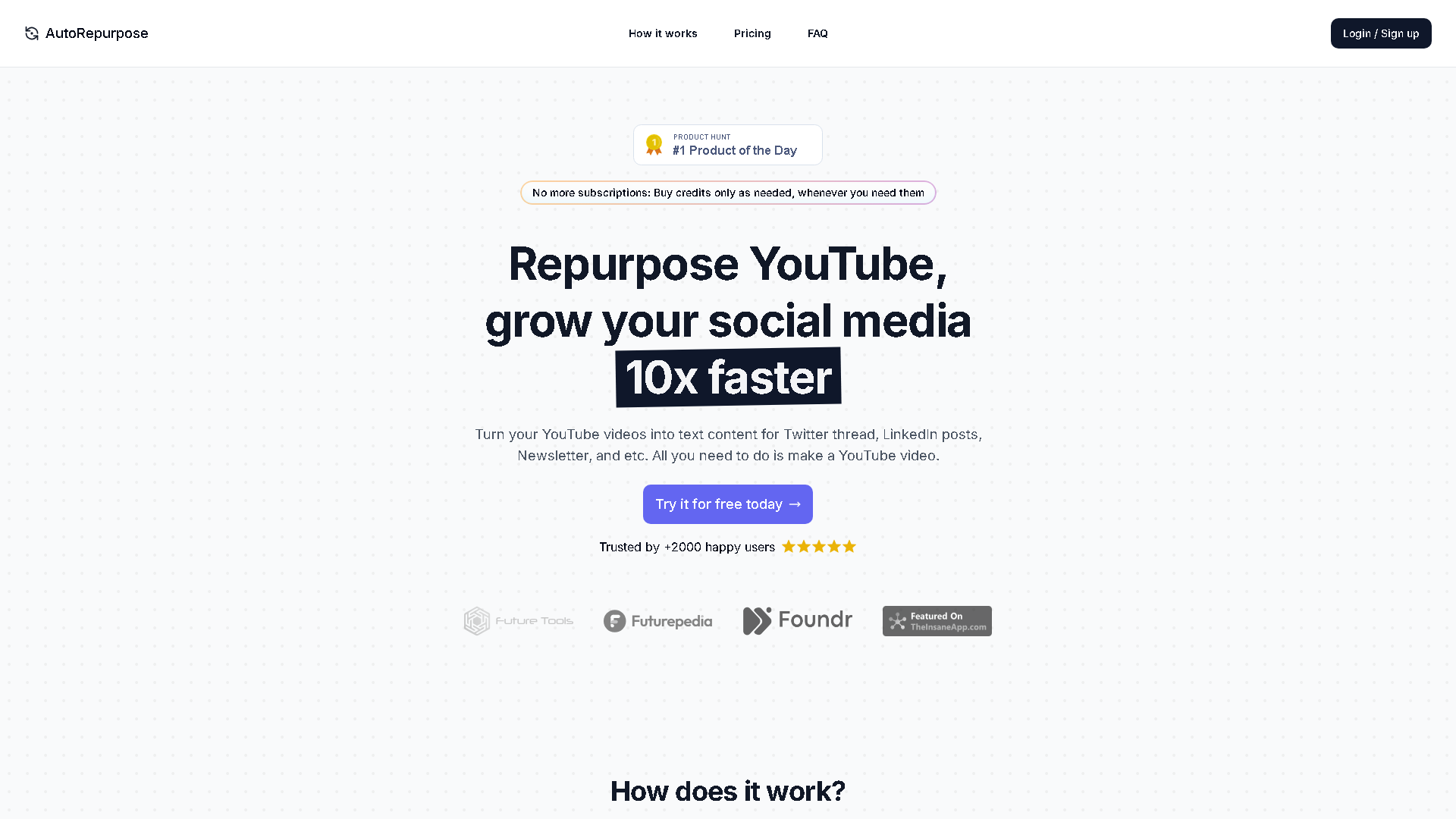
**Who is it for?** This tool is a lifesaver for content creators, marketers, solopreneurs, and businesses who produce YouTube videos and want to efficiently extend that investment to text-based platforms like Twitter (X) and LinkedIn without the manual labor. **What does it do?** It automatically generates a coherent Twitter thread and a LinkedIn post from a single YouTube video. It analyzes the video's content, structure, and dialogue to create written content that captures the essence of the original material. **When should you use it?** Immediately after publishing a new YouTube video or when looking to breathe new life into your existing video library. It's perfect for maintaining a consistent cross-platform content schedule. **Where does the content go?** The output is crafted specifically for Twitter (X) and LinkedIn, two major platforms where engaging, text-based discussion drives audience growth and professional networking. **Why use it?** To reclaim countless hours lost to manual repurposing, maintain an active presence on multiple social channels, and ultimately drive more traffic back to your YouTube channel and other business assets. **How does it work?** The process is beautifully simple: you paste your YouTube URL into the tool, and its AI gets to work. It processes the video to create a structured text output that you can review, edit if desired, and then copy-paste directly to your social networks for publishing.
Is AutoRepurpose free to use in 2026?
AutoRepurpose is a paid tool. Visit their official website for verified pricing and billing options.
What are the best Writing & Content alternatives to AutoRepurpose?
The best alternatives to AutoRepurpose in the Writing & Content category include MailerLite and Letterpal. Explore other Writing & Content tools to find the perfect fit for your needs.
What are the key features of AutoRepurpose?
AutoRepurpose offers advanced Writing & Content capabilities including AI-powered AI Newsletter Generator, user-friendly interface, cross-platform compatibility, and regular updates. It's designed for professionals who need reliable Writing & Content solutions.
Is AutoRepurpose suitable for beginners?
Absolutely! AutoRepurpose is designed with both beginners and experts in mind. The intuitive interface and comprehensive documentation make it easy for newcomers to Writing & Content to get started, while advanced features satisfy professional requirements.
How does AutoRepurpose compare to other Writing & Content tools?
AutoRepurpose offers competitive features in the Writing & Content space, with particular strengths in AI Newsletter Generator. Compare features, pricing, and user reviews to find the best fit for your specific needs.