
ChatGPT Writer
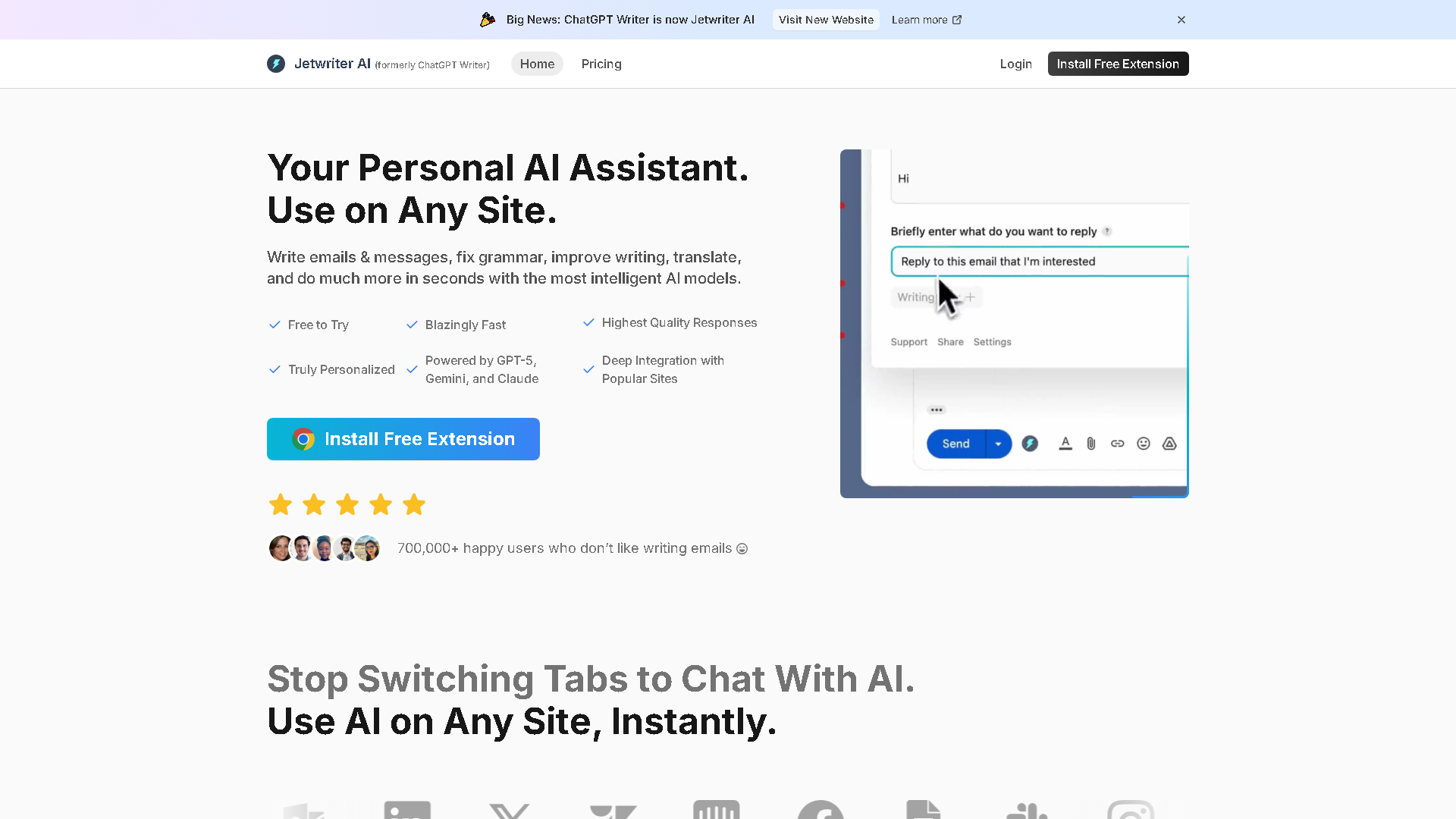
Jetwriter AI: Use AI on Any Site. Powered by GPT-5, Claude, and Gemini. Free to Try.
About ChatGPT Writer - Writing & Content AI Tool
Key Features of ChatGPT Writer
- Advanced Writing & Content capabilities powered by AI
- User-friendly interface designed for AI Email Writer
- Professional-grade features
- Compatible with modern web browsers and devices
- Regular updates and improvements
Who Should Use ChatGPT Writer?
ChatGPT Writer is perfect for professionals, businesses, and individuals looking for reliable Writing & Content solutions. Whether you're a beginner or an expert in AI Email Writer, this tool offers the flexibility and power you need. Explore our complete AI tools directory to discover more innovative solutions.
How to Use ChatGPT Writer - Step-by-Step Guide
Getting started with ChatGPT Writer is simple and straightforward. Follow this comprehensive guide to maximize your Writing & Content experience.
Frequently Asked Questions About ChatGPT Writer
How to use ChatGPT Writer for Writing & Content?
**Who is it for?** It's for students, professionals, marketers, and anyone who writes online—essentially anyone wanting to improve their writing efficiency and quality across different websites. **What does it do?** It provides AI-powered writing assistance directly on any webpage. This includes composing emails and messages, correcting grammar, translating languages, summarizing content, and conducting research. **When is it used?** You use it whenever you need to write or edit text online. This could be while drafting an important work email, crafting a social media post, writing a blog comment, or researching for a project. **Where does it work?** It works wherever you browse online. After installing the browser extension (for Chrome, Edge, etc.), its features become accessible on virtually any site, like Gmail, LinkedIn, Twitter, or Google Docs. **Why use it?** It saves significant time and effort by streamlining the writing process. It helps you communicate more clearly and professionally without breaking your workflow to switch between applications. **How does it work?** Simply install the free browser extension. Then, on any website, you can highlight text and right-click to access the AI menu, or use a keyboard shortcut (Ctrl+G or Cmd+G) to open a chat-like interface and give commands.
Is ChatGPT Writer free to use in 2026?
ChatGPT Writer is a paid tool. Visit their official website for verified pricing and billing options.
What are the best Writing & Content alternatives to ChatGPT Writer?
The best alternatives to ChatGPT Writer in the Writing & Content category include Superhuman and Spark Mail. Explore other Writing & Content tools to find the perfect fit for your needs.
What are the key features of ChatGPT Writer?
ChatGPT Writer offers advanced Writing & Content capabilities including AI-powered AI Email Writer, user-friendly interface, cross-platform compatibility, and regular updates. It's designed for professionals who need reliable Writing & Content solutions.
Is ChatGPT Writer suitable for beginners?
Absolutely! ChatGPT Writer is designed with both beginners and experts in mind. The intuitive interface and comprehensive documentation make it easy for newcomers to Writing & Content to get started, while advanced features satisfy professional requirements.
How does ChatGPT Writer compare to other Writing & Content tools?
ChatGPT Writer offers competitive features in the Writing & Content space, with particular strengths in AI Email Writer. Compare features, pricing, and user reviews to find the best fit for your specific needs.