
editGPT
Proofread, edit and track changes to your content using ChatGPT. | editGPT
About editGPT - Writing & Content AI Tool
Key Features of editGPT
- Advanced Writing & Content capabilities powered by AI
- User-friendly interface designed for AI Grammar Checker
- Professional-grade features
- Compatible with modern web browsers and devices
- Regular updates and improvements
Who Should Use editGPT?
editGPT is perfect for professionals, businesses, and individuals looking for reliable Writing & Content solutions. Whether you're a beginner or an expert in AI Grammar Checker, this tool offers the flexibility and power you need. Explore our complete AI tools directory to discover more innovative solutions.
How to Use editGPT - Step-by-Step Guide
Getting started with editGPT is simple and straightforward. Follow this comprehensive guide to maximize your Writing & Content experience.
Frequently Asked Questions About editGPT
How to use editGPT for Writing & Content?
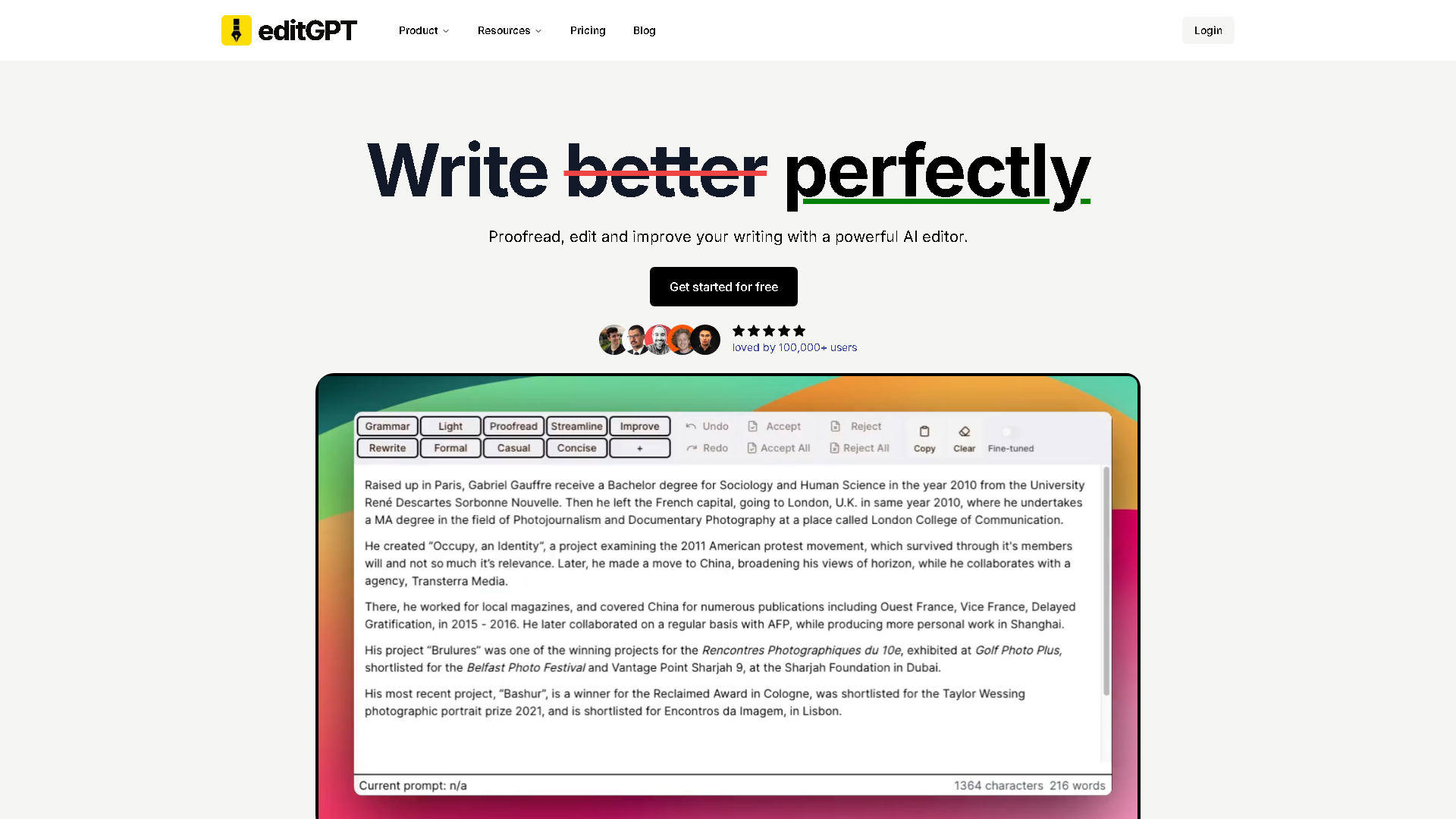
**Who is it for?** It's designed for a wide audience, including students polishing essays, professionals crafting reports and emails, content writers refining blog posts, and non-native speakers improving their English writing. **What does it do?** The tool provides AI-powered proofreading, editing, and revision tracking. Users can paste text and receive an edited version with all changes clearly marked, allowing for easy acceptance or rejection of each suggestion. **Where do you use it?** You access it directly through your web browser at editgpt.app. It's a web-based platform, so there's no software to download, making it convenient from any device. **When is it used?** It's used during the final stages of the writing process, after you have a draft but before you consider it finished. It's that crucial step between writing and publishing or submitting. **Why use it?** It saves an enormous amount of time and effort compared to manual proofreading. It helps catch errors you might miss, improves sentence flow, and enhances overall clarity, boosting the quality and professionalism of your writing. **How does it work?** You simply copy your text, paste it into the tool, and click 'Edit with ChatGPT.' Within seconds, it generates an edited version displayed side-by-side with your original, complete with highlighted changes for your review.
Is editGPT free to use in 2026?
editGPT is a paid tool. Visit their official website for verified pricing and billing options.
What are the best Writing & Content alternatives to editGPT?
The best alternatives to editGPT in the Writing & Content category include Grammarly and GPTZero. Explore other Writing & Content tools to find the perfect fit for your needs.
What are the key features of editGPT?
editGPT offers advanced Writing & Content capabilities including AI-powered AI Grammar Checker, user-friendly interface, cross-platform compatibility, and regular updates. It's designed for professionals who need reliable Writing & Content solutions.
Is editGPT suitable for beginners?
Absolutely! editGPT is designed with both beginners and experts in mind. The intuitive interface and comprehensive documentation make it easy for newcomers to Writing & Content to get started, while advanced features satisfy professional requirements.
How does editGPT compare to other Writing & Content tools?
editGPT offers competitive features in the Writing & Content space, with particular strengths in AI Grammar Checker. Compare features, pricing, and user reviews to find the best fit for your specific needs.