
Emojitell
Free Emoji Translator & Text to Emoji Converter | EmojiTell
About Emojitell - Art & Creative Design AI Tool
Key Features of Emojitell
- Advanced Art & Creative Design capabilities powered by AI
- User-friendly interface designed for AI Emoji Generator
- Professional-grade features
- Compatible with modern web browsers and devices
- Regular updates and improvements
Who Should Use Emojitell?
Emojitell is perfect for professionals, businesses, and individuals looking for reliable Art & Creative Design solutions. Whether you're a beginner or an expert in AI Emoji Generator, this tool offers the flexibility and power you need. Explore our complete AI tools directory to discover more innovative solutions.
How to Use Emojitell - Step-by-Step Guide
Getting started with Emojitell is simple and straightforward. Follow this comprehensive guide to maximize your Art & Creative Design experience.
Frequently Asked Questions About Emojitell
How to use Emojitell for Art & Creative Design?
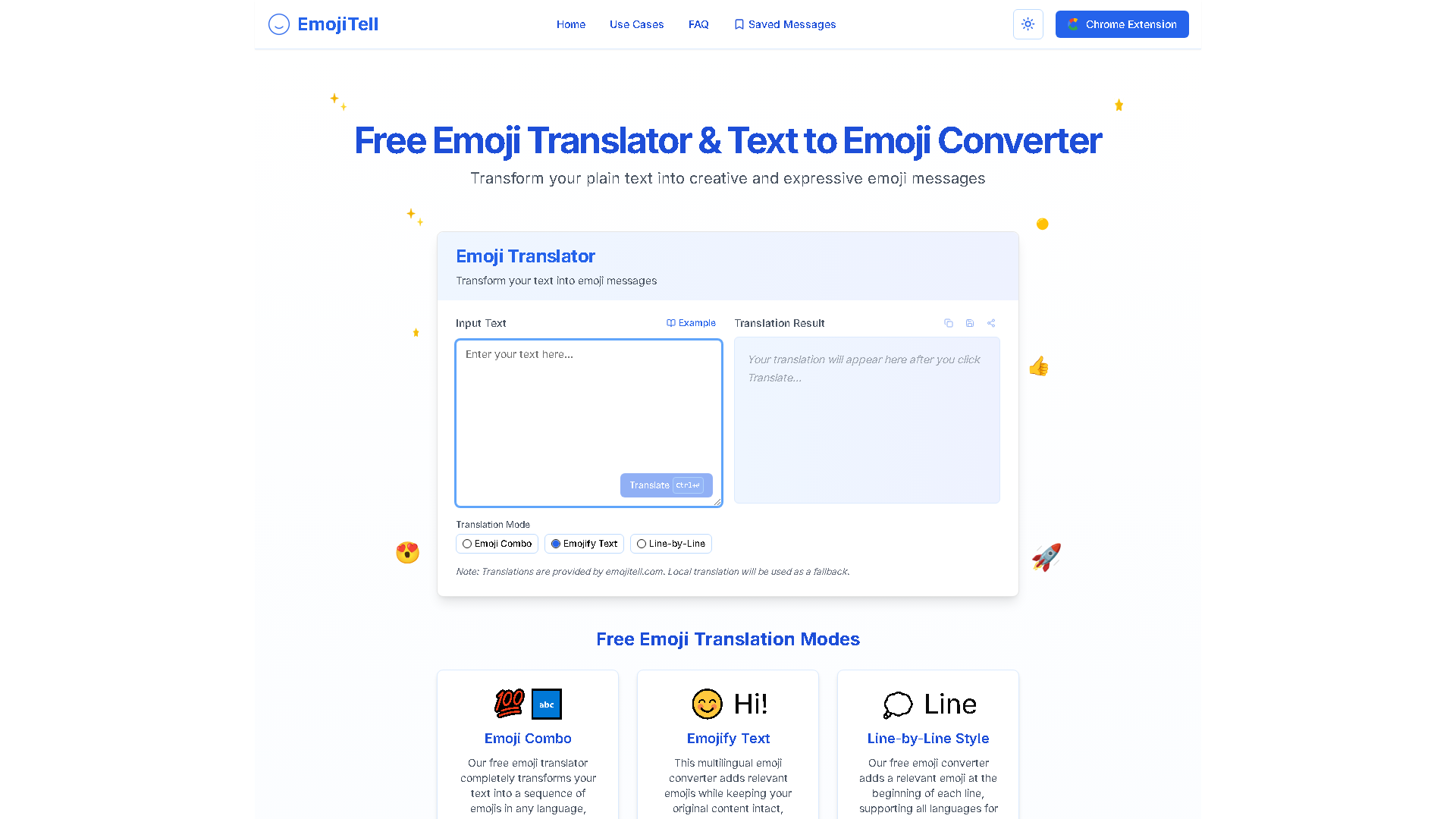
Starting with EmojiTell feels straightforward but slightly playful. You land on the page and are greeted with a blank text box where you paste or type your message. You don’t have to wrestle with complicated menus; just input your text, pick your language if you want, and hit the button to emojify. The magic happens instantly, turning your words into a quirky emoji mashup or layering emojis along each line if that’s your vibe. There’s no heavy setup or account creation, which lowers the barrier for casual users who just want to test the waters. The Chrome extension adds a small friction point—you have to install it and figure out how to trigger it during your browsing or messaging sessions—but once set, it should let you emoji-fy text on the fly without jumping back to the site. Overall, it’s designed for moments when inspiration strikes and you want to dress up your text quickly, not for deep customization or professional-grade output.
Is Emojitell free to use in 2026?
Emojitell is a paid tool. Visit their official website for verified pricing and billing options.
What are the best Art & Creative Design alternatives to Emojitell?
The best alternatives to Emojitell in the Art & Creative Design category include AIGenEmoji and Emooji. Explore other Art & Creative Design tools to find the perfect fit for your needs.
What are the key features of Emojitell?
Emojitell offers advanced Art & Creative Design capabilities including AI-powered AI Emoji Generator, user-friendly interface, cross-platform compatibility, and regular updates. It's designed for professionals who need reliable Art & Creative Design solutions.
Is Emojitell suitable for beginners?
Absolutely! Emojitell is designed with both beginners and experts in mind. The intuitive interface and comprehensive documentation make it easy for newcomers to Art & Creative Design to get started, while advanced features satisfy professional requirements.
How does Emojitell compare to other Art & Creative Design tools?
Emojitell offers competitive features in the Art & Creative Design space, with particular strengths in AI Emoji Generator. Compare features, pricing, and user reviews to find the best fit for your specific needs.