
Face Crop Jet
Detect and Crop Faces from Photos for ID Cards-Face Crop Software
About Face Crop Jet - Image & Design AI Tool
Key Features of Face Crop Jet
- Advanced Image & Design capabilities powered by AI
- User-friendly interface designed for AI Crop Image
- Professional-grade features
- Compatible with modern web browsers and devices
- Regular updates and improvements
Who Should Use Face Crop Jet?
Face Crop Jet is perfect for professionals, businesses, and individuals looking for reliable Image & Design solutions. Whether you're a beginner or an expert in AI Crop Image, this tool offers the flexibility and power you need. Explore our complete AI tools directory to discover more innovative solutions.
How to Use Face Crop Jet - Step-by-Step Guide
Getting started with Face Crop Jet is simple and straightforward. Follow this comprehensive guide to maximize your Image & Design experience.
Frequently Asked Questions About Face Crop Jet
How to use Face Crop Jet for Image & Design?
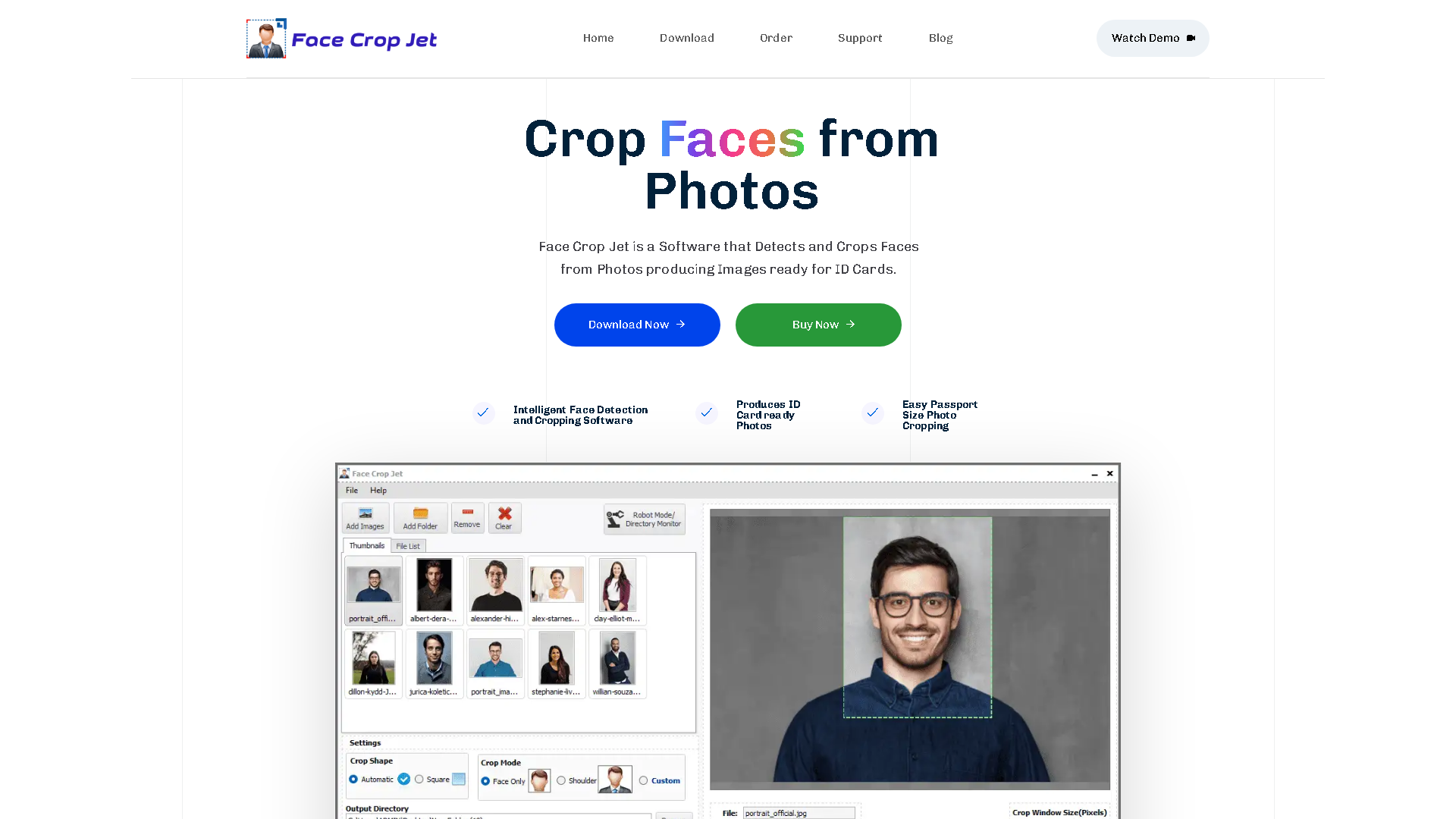
Jumping in for the first time, you’ll probably find Face Crop Jet surprisingly simple, which is a relief. You upload your photos—usually a folder or batch—and the system kicks off its face detection. There’s no complex setup, no need to mark faces yourself, but if your photos are messy or off-center, you might have to double-check the results. The interface doesn’t bombard you with options, so it’s a bit like handing over your photos and waiting for the AI to do its thing. If you’re expecting a fancy preview panel or extensive editing tools, you might be disappointed. But for what it does—batch cropping for ID photos—it’s quick and avoids the usual onboarding headaches of more complex software. Just make sure your originals aren’t too wild; the AI isn’t magic, and wonky angles or bad lighting can throw it off.
Is Face Crop Jet free to use in 2026?
Face Crop Jet is a paid tool. Visit their official website for verified pricing and billing options.
What are the best Image & Design alternatives to Face Crop Jet?
The best alternatives to Face Crop Jet in the Image & Design category include croppng.online and Aiarty Image Matting. Explore other Image & Design tools to find the perfect fit for your needs.
What are the key features of Face Crop Jet?
Face Crop Jet offers advanced Image & Design capabilities including AI-powered AI Crop Image, user-friendly interface, cross-platform compatibility, and regular updates. It's designed for professionals who need reliable Image & Design solutions.
Is Face Crop Jet suitable for beginners?
Absolutely! Face Crop Jet is designed with both beginners and experts in mind. The intuitive interface and comprehensive documentation make it easy for newcomers to Image & Design to get started, while advanced features satisfy professional requirements.
How does Face Crop Jet compare to other Image & Design tools?
Face Crop Jet offers competitive features in the Image & Design space, with particular strengths in AI Crop Image. Compare features, pricing, and user reviews to find the best fit for your specific needs.