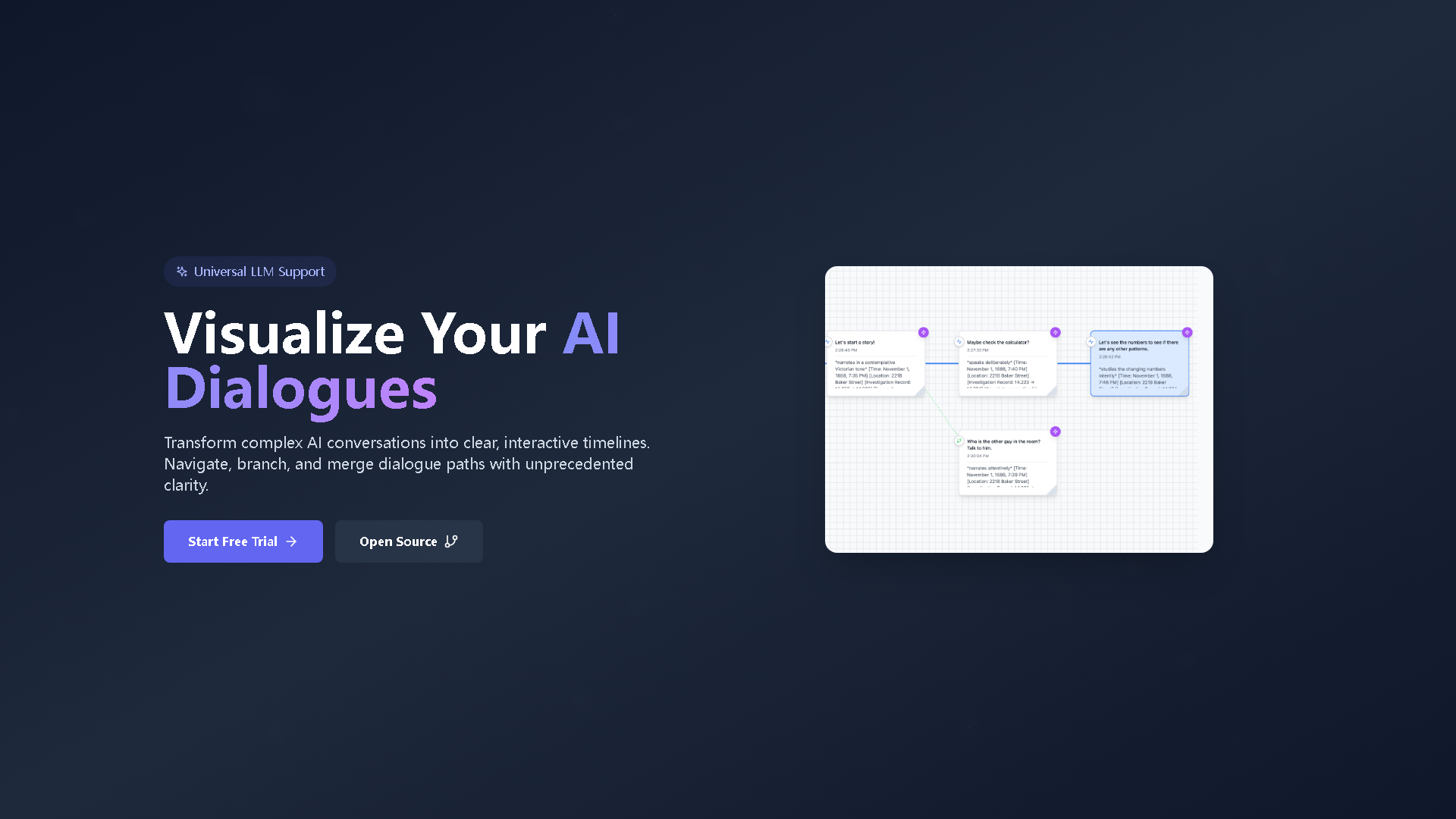

Forking Path
Visualize Your AI Dialogues | Forking Path
About Forking Path - Office & Productivity AI Tool
Key Features of Forking Path
- Advanced Office & Productivity capabilities powered by AI
- User-friendly interface designed for Graph AI
- Professional-grade features
- Compatible with modern web browsers and devices
- Regular updates and improvements
Who Should Use Forking Path?
Forking Path is perfect for professionals, businesses, and individuals looking for reliable Office & Productivity solutions. Whether you're a beginner or an expert in Graph AI, this tool offers the flexibility and power you need. Explore our complete AI tools directory to discover more innovative solutions.
How to Use Forking Path - Step-by-Step Guide
Getting started with Forking Path is simple and straightforward. Follow this comprehensive guide to maximize your Office & Productivity experience.
Frequently Asked Questions About Forking Path
How to use Forking Path for Office & Productivity?
Starting out with Forking Path can be a bit like opening a notebook that’s already half-full of scribbles—there’s a learning curve in visualizing your conversations as branching timelines rather than simple chat bubbles. At first, you’ll probably spend a few moments figuring out how to split a conversation where you want to explore a different idea, or how to pull back two branches into one coherent thread. The onboarding isn’t flashy; it’s more about getting your head around a new way of thinking about dialogue. You’ll likely begin by importing or starting a conversation, then manually creating branches as new questions or prompts emerge. It takes some patience because you have to consciously choose when a conversation fork matters, which isn’t always obvious. But once you get the hang of it, it feels like having a control panel for your AI chats, letting you jump to different outcomes without losing the thread or starting over.
Is Forking Path free to use in 2026?
Forking Path is a paid tool. Visit their official website for verified pricing and billing options.
What are the best Office & Productivity alternatives to Forking Path?
The best alternatives to Forking Path in the Office & Productivity category include 2hanzi.com and vibevoice.online. Explore other Office & Productivity tools to find the perfect fit for your needs.
What are the key features of Forking Path?
Forking Path offers advanced Office & Productivity capabilities including AI-powered Graph AI, user-friendly interface, cross-platform compatibility, and regular updates. It's designed for professionals who need reliable Office & Productivity solutions.
Is Forking Path suitable for beginners?
Absolutely! Forking Path is designed with both beginners and experts in mind. The intuitive interface and comprehensive documentation make it easy for newcomers to Office & Productivity to get started, while advanced features satisfy professional requirements.
How does Forking Path compare to other Office & Productivity tools?
Forking Path offers competitive features in the Office & Productivity space, with particular strengths in Graph AI. Compare features, pricing, and user reviews to find the best fit for your specific needs.