Gling
Gling - AI Video Editing Software for YouTube
About Gling - Writing & Content AI Tool
Key Features of Gling
- Advanced Writing & Content capabilities powered by AI
- User-friendly interface designed for AI Caption Generator
- Professional-grade features
- Compatible with modern web browsers and devices
- Regular updates and improvements
Who Should Use Gling?
Gling is perfect for professionals, businesses, and individuals looking for reliable Writing & Content solutions. Whether you're a beginner or an expert in AI Caption Generator, this tool offers the flexibility and power you need. Explore our complete AI tools directory to discover more innovative solutions.
How to Use Gling - Step-by-Step Guide
Getting started with Gling is simple and straightforward. Follow this comprehensive guide to maximize your Writing & Content experience.
Frequently Asked Questions About Gling
How to use Gling for Writing & Content?
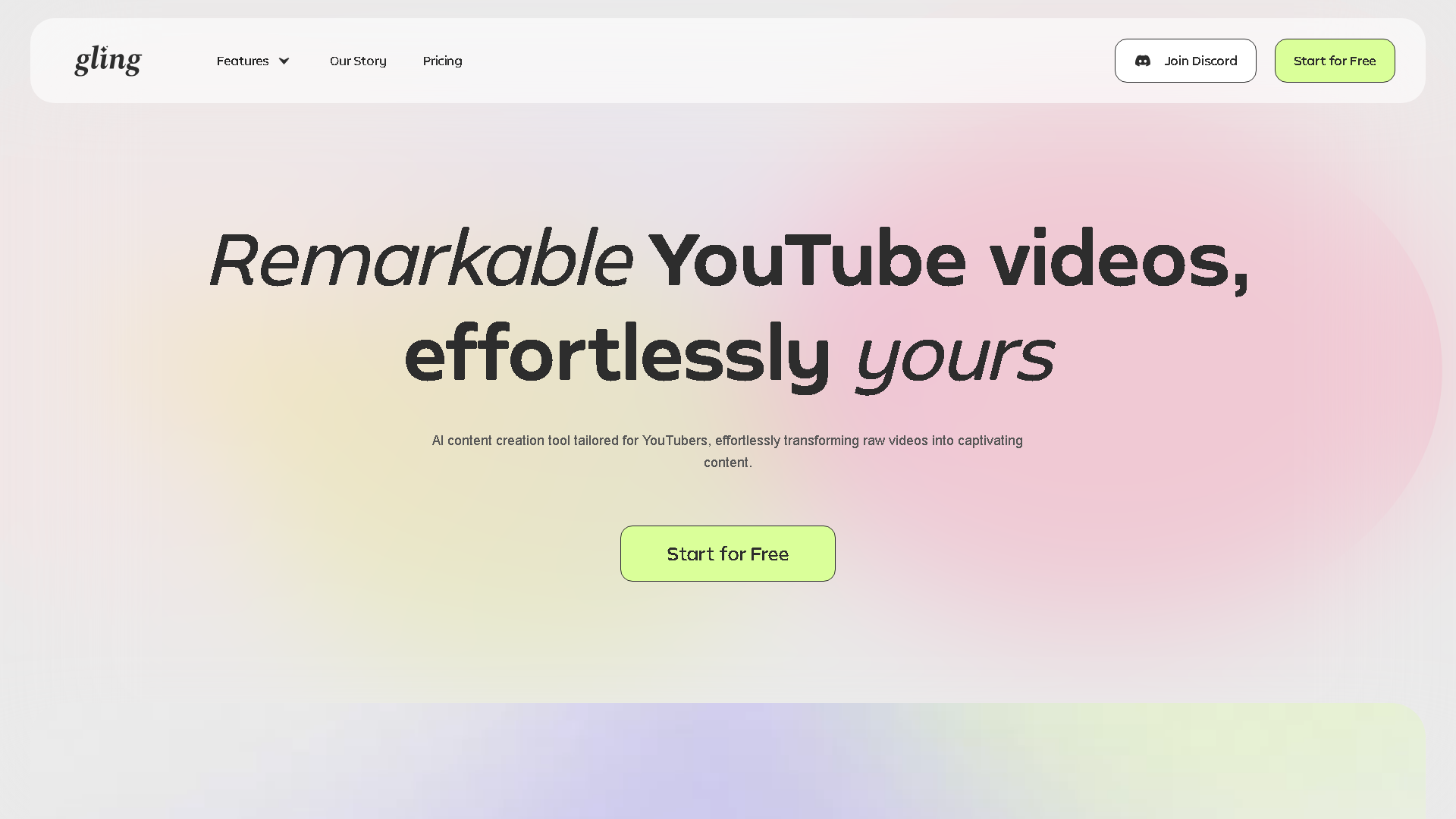
**Who is it for?** This tool is a dream for YouTube creators, podcasters, educators, and anyone who records themselves talking and needs to edit out mistakes and dead air. It's especially valuable for solo creators without an editing team. **What does it do?** Gling's AI automatically edits your raw video by removing silences, bad takes, and filler words, delivering a clean, seamless clip. **When do you use it?** You use it right after recording, as the first step in your post-production workflow before you move into your main video editor for final cuts and effects. **Where does it work?** It's a web-based application that works on both Mac and Windows. It seamlessly integrates with professional editing software like DaVinci Resolve and Adobe Premiere Pro. **Why use it?** It saves an immense amount of time and mental energy, eliminating the boring and repetitive task of scrubbing through footage to find cuts. This lets you focus on being creative. **How does it work?** You simply upload your video file, the AI processes it to find the best parts, and then you can review the cuts, make any quick adjustments, and export the polished version to your desktop or directly into your editing software.
Is Gling free to use in 2026?
Gling is a paid tool. Visit their official website for verified pricing and billing options.
What are the best Writing & Content alternatives to Gling?
The best alternatives to Gling in the Writing & Content category include Submagic and Flick. Explore other Writing & Content tools to find the perfect fit for your needs.
What are the key features of Gling?
Gling offers advanced Writing & Content capabilities including AI-powered AI Caption Generator, user-friendly interface, cross-platform compatibility, and regular updates. It's designed for professionals who need reliable Writing & Content solutions.
Is Gling suitable for beginners?
Absolutely! Gling is designed with both beginners and experts in mind. The intuitive interface and comprehensive documentation make it easy for newcomers to Writing & Content to get started, while advanced features satisfy professional requirements.
How does Gling compare to other Writing & Content tools?
Gling offers competitive features in the Writing & Content space, with particular strengths in AI Caption Generator. Compare features, pricing, and user reviews to find the best fit for your specific needs.