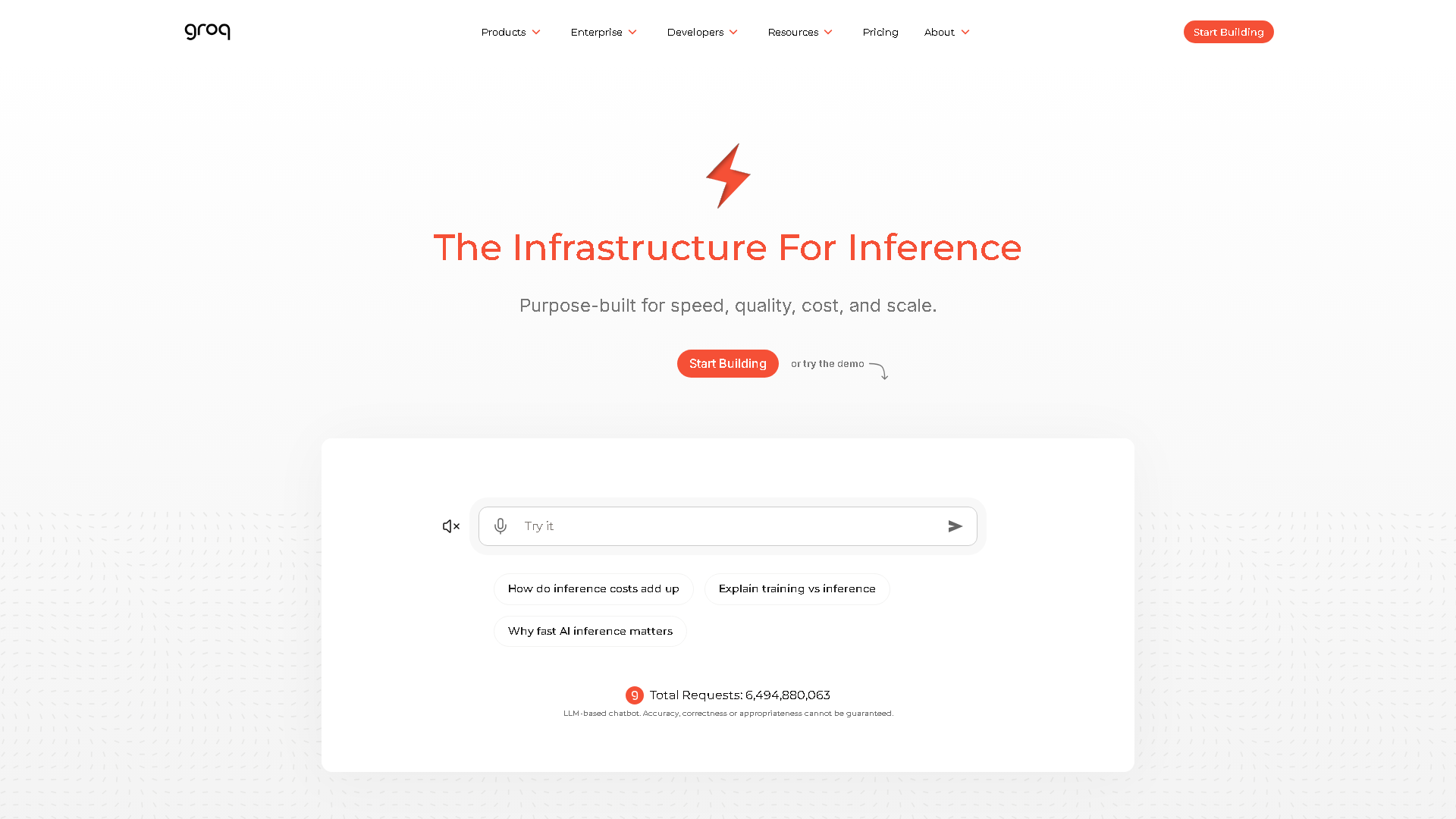

Groq
Groq is fast inference for AI builders
About Groq - Development & APIs AI Tool
Key Features of Groq
- Advanced Development & APIs capabilities powered by AI
- User-friendly interface designed for AI API
- Professional-grade features
- Compatible with modern web browsers and devices
- Regular updates and improvements
Who Should Use Groq?
Groq is perfect for professionals, businesses, and individuals looking for reliable Development & APIs solutions. Whether you're a beginner or an expert in AI API, this tool offers the flexibility and power you need. Explore our complete AI tools directory to discover more innovative solutions.
How to Use Groq - Step-by-Step Guide
Getting started with Groq is simple and straightforward. Follow this comprehensive guide to maximize your Development & APIs experience.
Frequently Asked Questions About Groq
How to use Groq for Development & APIs?
Jumping into Groq isn’t like signing up for a typical AI cloud API where you just upload a model and call it a day. First, you’re looking at getting access to their hardware or cloud platform, which usually means some conversations with sales or tech folks and figuring out if your AI workloads really need what Groq offers. Once you’re in, expect a learning curve—Groq’s LPU isn’t your standard GPU or CPU, so you’ll have to adapt your model or inference pipeline to fit their architecture. This means diving into their SDK and tooling, which can feel like a doorway to a different world if you’re used to mainstream frameworks. Deployment usually involves setting up your environment, compiling your model for their hardware, and then running tests to make sure latency and throughput actually improve. It’s a bit of a hands-on process, not a magic wand. You’ll want to start small—test a single model or task to see if the claimed speed and efficiency hold true in your context before scaling up. Bottom line: don’t expect to just plug Groq in and forget it. It’s more like adopting a high-performance race car that needs a skilled driver and a pit crew to get the best out of it.
Is Groq free to use in 2026?
Groq is a paid tool. Visit their official website for verified pricing and billing options.
What are the best Development & APIs alternatives to Groq?
The best alternatives to Groq in the Development & APIs category include Claude and Anthropic. Explore other Development & APIs tools to find the perfect fit for your needs.
What are the key features of Groq?
Groq offers advanced Development & APIs capabilities including AI-powered AI API, user-friendly interface, cross-platform compatibility, and regular updates. It's designed for professionals who need reliable Development & APIs solutions.
Is Groq suitable for beginners?
Absolutely! Groq is designed with both beginners and experts in mind. The intuitive interface and comprehensive documentation make it easy for newcomers to Development & APIs to get started, while advanced features satisfy professional requirements.
How does Groq compare to other Development & APIs tools?
Groq offers competitive features in the Development & APIs space, with particular strengths in AI API. Compare features, pricing, and user reviews to find the best fit for your specific needs.