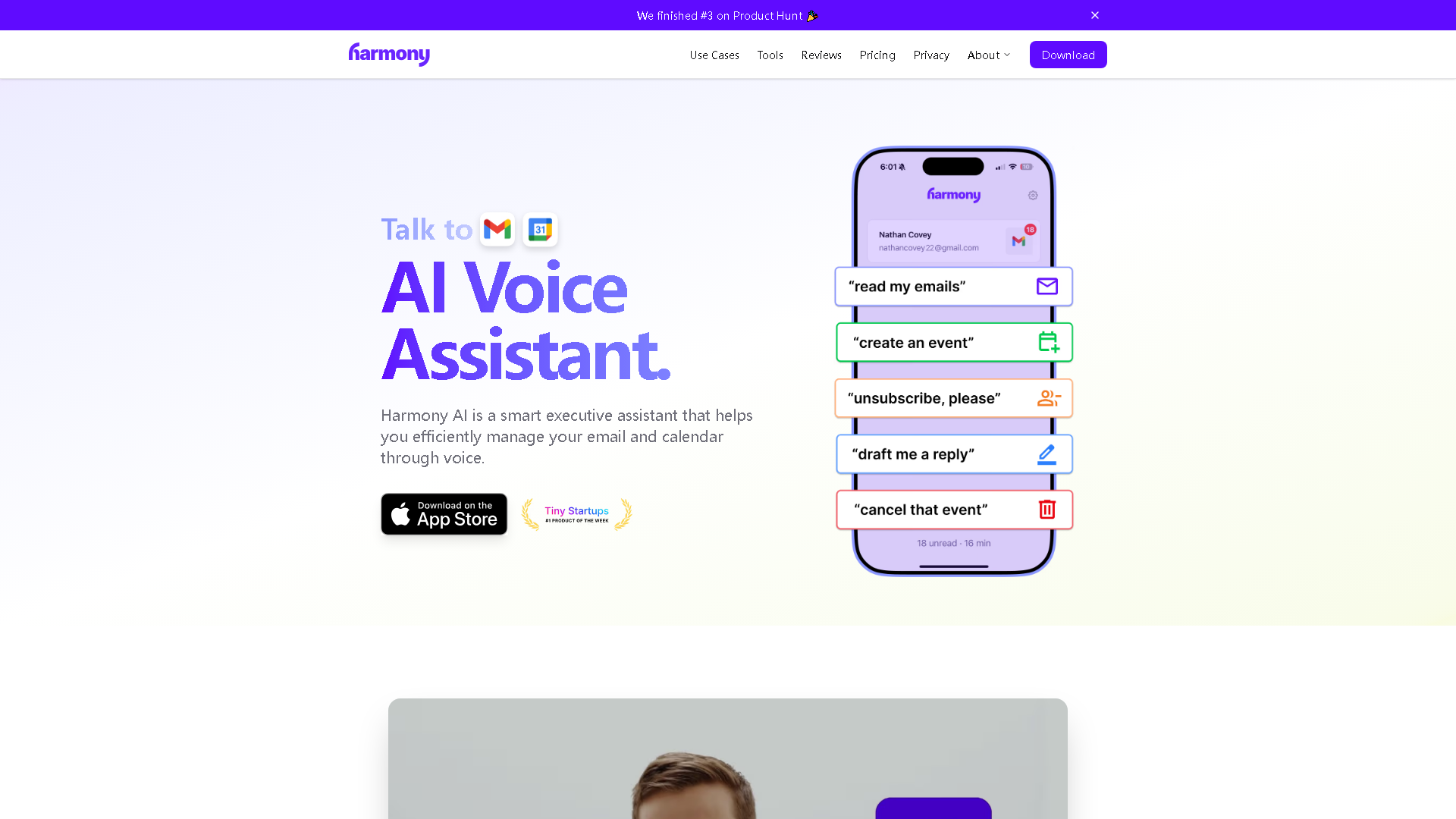

Harmony AI Email Assistant
Harmony AI - Voice Assistant for Email & Calendar
About Harmony AI Email Assistant - Writing & Content AI Tool
Key Features of Harmony AI Email Assistant
- Advanced Writing & Content capabilities powered by AI
- User-friendly interface designed for AI Email Writer
- Professional-grade features
- Compatible with modern web browsers and devices
- Regular updates and improvements
Who Should Use Harmony AI Email Assistant?
Harmony AI Email Assistant is perfect for professionals, businesses, and individuals looking for reliable Writing & Content solutions. Whether you're a beginner or an expert in AI Email Writer, this tool offers the flexibility and power you need. Explore our complete AI tools directory to discover more innovative solutions.
How to Use Harmony AI Email Assistant - Step-by-Step Guide
Getting started with Harmony AI Email Assistant is simple and straightforward. Follow this comprehensive guide to maximize your Writing & Content experience.
Frequently Asked Questions About Harmony AI Email Assistant
How to use Harmony AI Email Assistant for Writing & Content?
**Who is it for?** Harmony targets busy professionals, executives, entrepreneurs, and anyone overwhelmed by email and calendar management. It's perfect for multitaskers, commuters, and people who prefer speaking over typing. **What does it do?** It's an AI voice assistant that integrates with Gmail and Google Calendar. Users control their inbox, schedule meetings, and manage tasks entirely through voice commands, making it a hands-free executive assistant. **When to use it?** Anytime your hands are busy or you're on the go: during your daily commute, while cooking, working out, walking between meetings, or even when you just want to give your eyes a screen break. **Where does it work?** It works wherever you are, on your mobile device. The key requirement is integration with your existing Gmail and Google Calendar accounts, making it accessible across devices. **Why use it?** To save time, reduce screen fatigue, and boost productivity. It solves the problem of constant inbox checking and tedious calendar juggling, freeing you up to focus on more important work. **How does it work?** You grant permissions to connect your Gmail and Calendar, then simply start talking. The AI listens to your natural language commands and executes them—sending emails, creating events, or setting reminders—instantly.
Is Harmony AI Email Assistant free to use in 2026?
Harmony AI Email Assistant is a paid tool. Visit their official website for verified pricing and billing options.
What are the best Writing & Content alternatives to Harmony AI Email Assistant?
The best alternatives to Harmony AI Email Assistant in the Writing & Content category include Superhuman and Spark Mail. Explore other Writing & Content tools to find the perfect fit for your needs.
What are the key features of Harmony AI Email Assistant?
Harmony AI Email Assistant offers advanced Writing & Content capabilities including AI-powered AI Email Writer, user-friendly interface, cross-platform compatibility, and regular updates. It's designed for professionals who need reliable Writing & Content solutions.
Is Harmony AI Email Assistant suitable for beginners?
Absolutely! Harmony AI Email Assistant is designed with both beginners and experts in mind. The intuitive interface and comprehensive documentation make it easy for newcomers to Writing & Content to get started, while advanced features satisfy professional requirements.
How does Harmony AI Email Assistant compare to other Writing & Content tools?
Harmony AI Email Assistant offers competitive features in the Writing & Content space, with particular strengths in AI Email Writer. Compare features, pricing, and user reviews to find the best fit for your specific needs.