JobCopilot
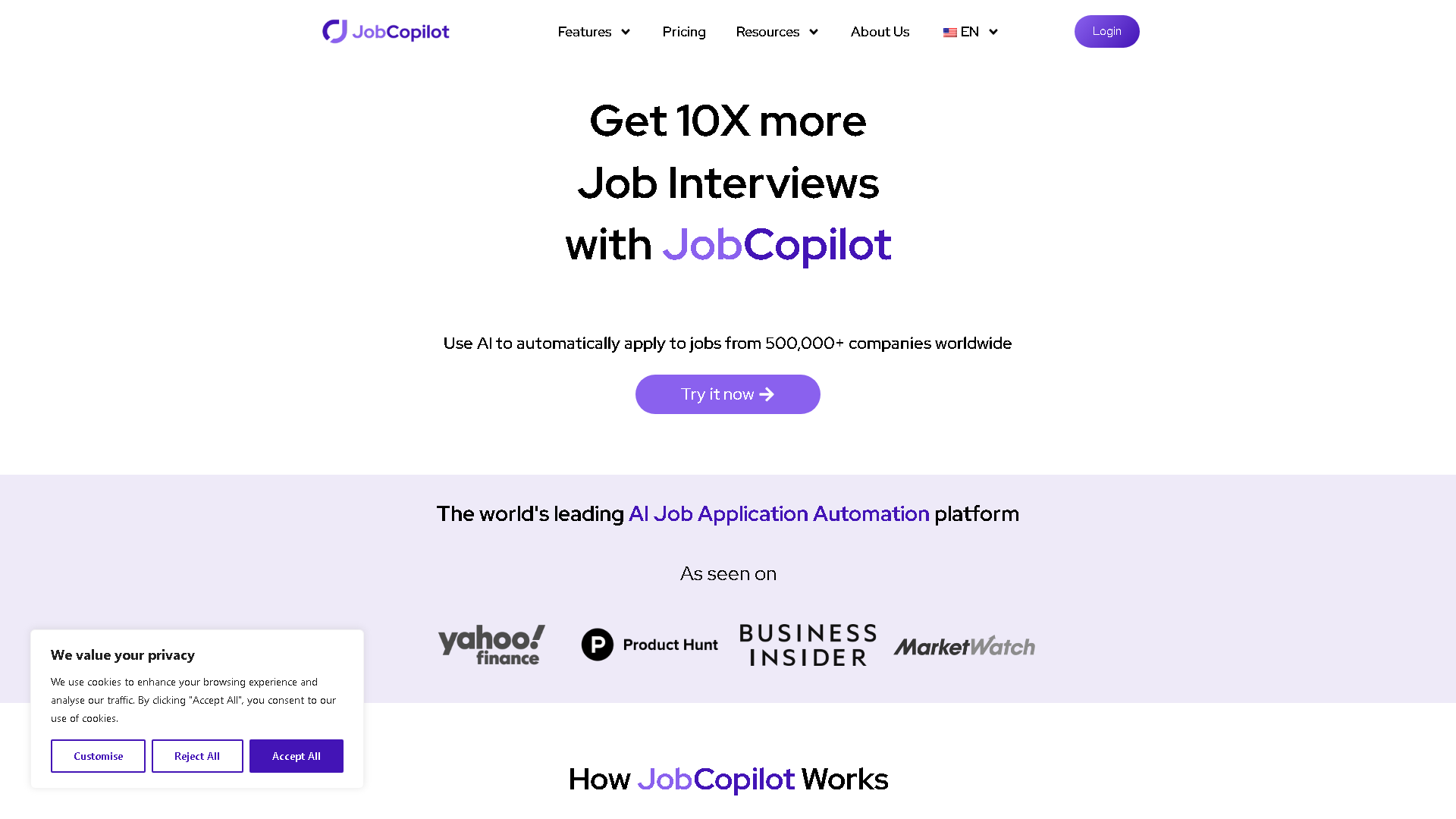
Automate Job Applications with AI - JobCopilot
About JobCopilot - Office & Productivity AI Tool
Key Features of JobCopilot
- Advanced Office & Productivity capabilities powered by AI
- User-friendly interface designed for AI Copilot
- Professional-grade features
- Compatible with modern web browsers and devices
- Regular updates and improvements
Who Should Use JobCopilot?
JobCopilot is perfect for professionals, businesses, and individuals looking for reliable Office & Productivity solutions. Whether you're a beginner or an expert in AI Copilot, this tool offers the flexibility and power you need. Explore our complete AI tools directory to discover more innovative solutions.
How to Use JobCopilot - Step-by-Step Guide
Getting started with JobCopilot is simple and straightforward. Follow this comprehensive guide to maximize your Office & Productivity experience.
Frequently Asked Questions About JobCopilot
How to use JobCopilot for Office & Productivity?
Starting with JobCopilot feels a bit like setting up an autopilot system for your job hunt. You’ll likely need to upload your resume and maybe a cover letter, which is standard, but then comes the part where you define what kind of jobs you’re after and where. The onboarding isn’t slick or barebones; expect to spend some time configuring filters and preferences because the tool’s power comes from how well you can narrow the chaos down. Once that’s done, the magic is supposed to happen in the background, with JobCopilot scanning and applying automatically. But don’t just set it and forget it—there’s a learning curve to trust it enough to let it run loose, and you’ll want to check back regularly to tweak filters or pull back applications that don’t fit anymore. It’s not a magic bullet; it demands a certain level of ongoing babysitting to make sure you’re not shooting your resume into a black hole or worse, annoying hiring managers with irrelevant submissions.
Is JobCopilot free to use in 2026?
JobCopilot is a paid tool. Visit their official website for verified pricing and billing options.
What are the best Office & Productivity alternatives to JobCopilot?
The best alternatives to JobCopilot in the Office & Productivity category include GPT Workspace and 2hanzi.com. Explore other Office & Productivity tools to find the perfect fit for your needs.
What are the key features of JobCopilot?
JobCopilot offers advanced Office & Productivity capabilities including AI-powered AI Copilot, user-friendly interface, cross-platform compatibility, and regular updates. It's designed for professionals who need reliable Office & Productivity solutions.
Is JobCopilot suitable for beginners?
Absolutely! JobCopilot is designed with both beginners and experts in mind. The intuitive interface and comprehensive documentation make it easy for newcomers to Office & Productivity to get started, while advanced features satisfy professional requirements.
How does JobCopilot compare to other Office & Productivity tools?
JobCopilot offers competitive features in the Office & Productivity space, with particular strengths in AI Copilot. Compare features, pricing, and user reviews to find the best fit for your specific needs.