
Kombai
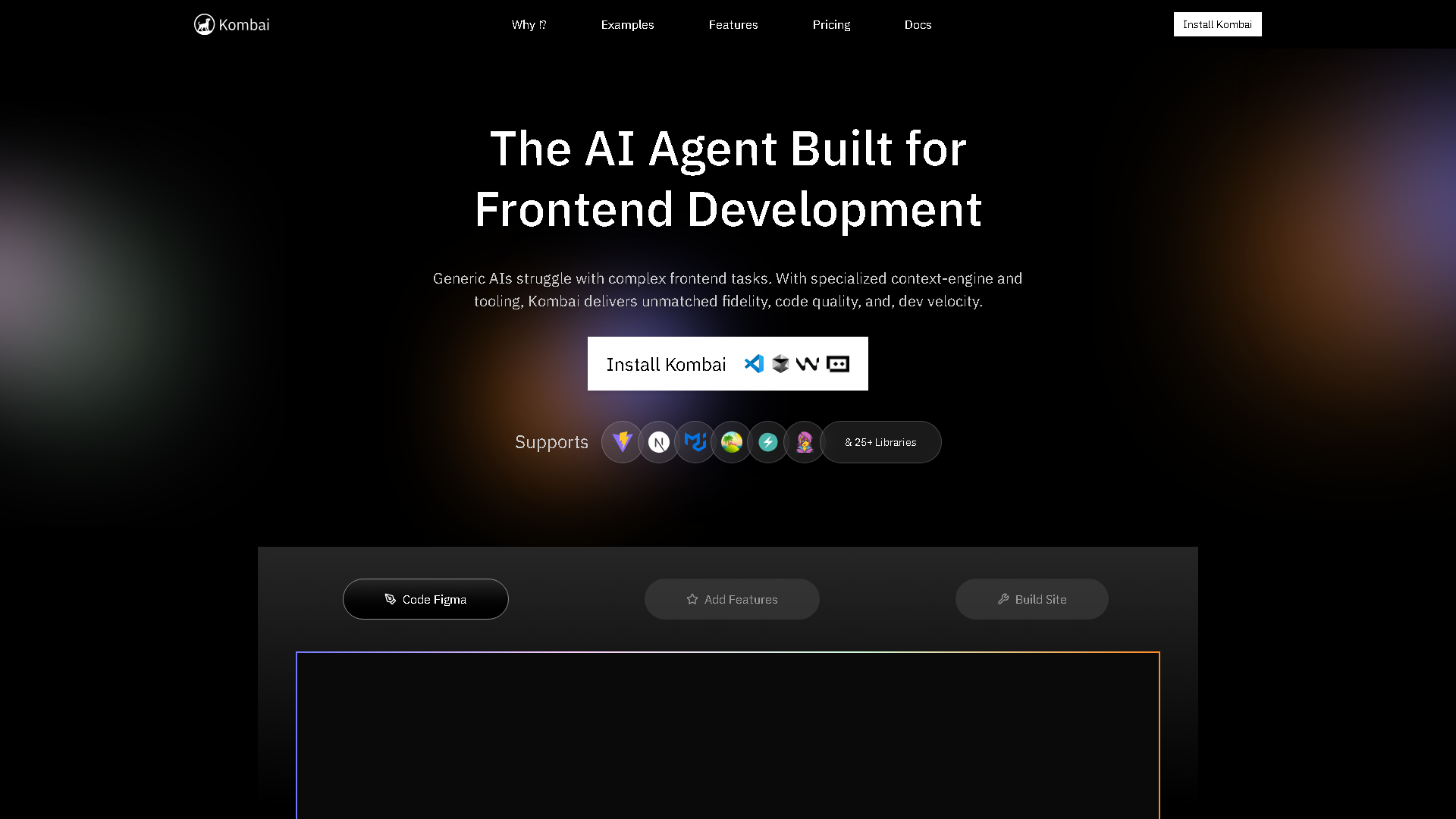
Kombai - The AI Agent Built for Frontend Development
About Kombai - Development & APIs AI Tool
Key Features of Kombai
- Advanced Development & APIs capabilities powered by AI
- User-friendly interface designed for AI Code Generator
- Professional-grade features
- Compatible with modern web browsers and devices
- Regular updates and improvements
Who Should Use Kombai?
Kombai is perfect for professionals, businesses, and individuals looking for reliable Development & APIs solutions. Whether you're a beginner or an expert in AI Code Generator, this tool offers the flexibility and power you need. Explore our complete AI tools directory to discover more innovative solutions.
How to Use Kombai - Step-by-Step Guide
Getting started with Kombai is simple and straightforward. Follow this comprehensive guide to maximize your Development & APIs experience.
Frequently Asked Questions About Kombai
How to use Kombai for Development & APIs?
Starting with Kombai feels like handing over your design files and hoping it speaks your language—and honestly, it takes some patience. You begin by connecting your design source or uploading assets, then setting your project context so Kombai can align with your coding style and architecture. The initial runs might feel a bit rough, with code that’s good but not perfect, requiring you to jump in and fix or refine—so don’t expect a flawless, plug-and-play experience. The real learning curve is understanding how Kombai interprets your designs and tweaking your inputs or project settings accordingly. Once you get the hang of this back-and-forth, it starts to feel less like a chore and more like a partner that anticipates your needs. It’s not for those wanting instant results but for developers willing to invest time upfront to speed up the repetitive parts of UI coding later.
Is Kombai free to use in 2026?
Kombai is a paid tool. Visit their official website for verified pricing and billing options.
What are the best Development & APIs alternatives to Kombai?
The best alternatives to Kombai in the Development & APIs category include LINQ Me Up and Katalon. Explore other Development & APIs tools to find the perfect fit for your needs.
What are the key features of Kombai?
Kombai offers advanced Development & APIs capabilities including AI-powered AI Code Generator, user-friendly interface, cross-platform compatibility, and regular updates. It's designed for professionals who need reliable Development & APIs solutions.
Is Kombai suitable for beginners?
Absolutely! Kombai is designed with both beginners and experts in mind. The intuitive interface and comprehensive documentation make it easy for newcomers to Development & APIs to get started, while advanced features satisfy professional requirements.
How does Kombai compare to other Development & APIs tools?
Kombai offers competitive features in the Development & APIs space, with particular strengths in AI Code Generator. Compare features, pricing, and user reviews to find the best fit for your specific needs.