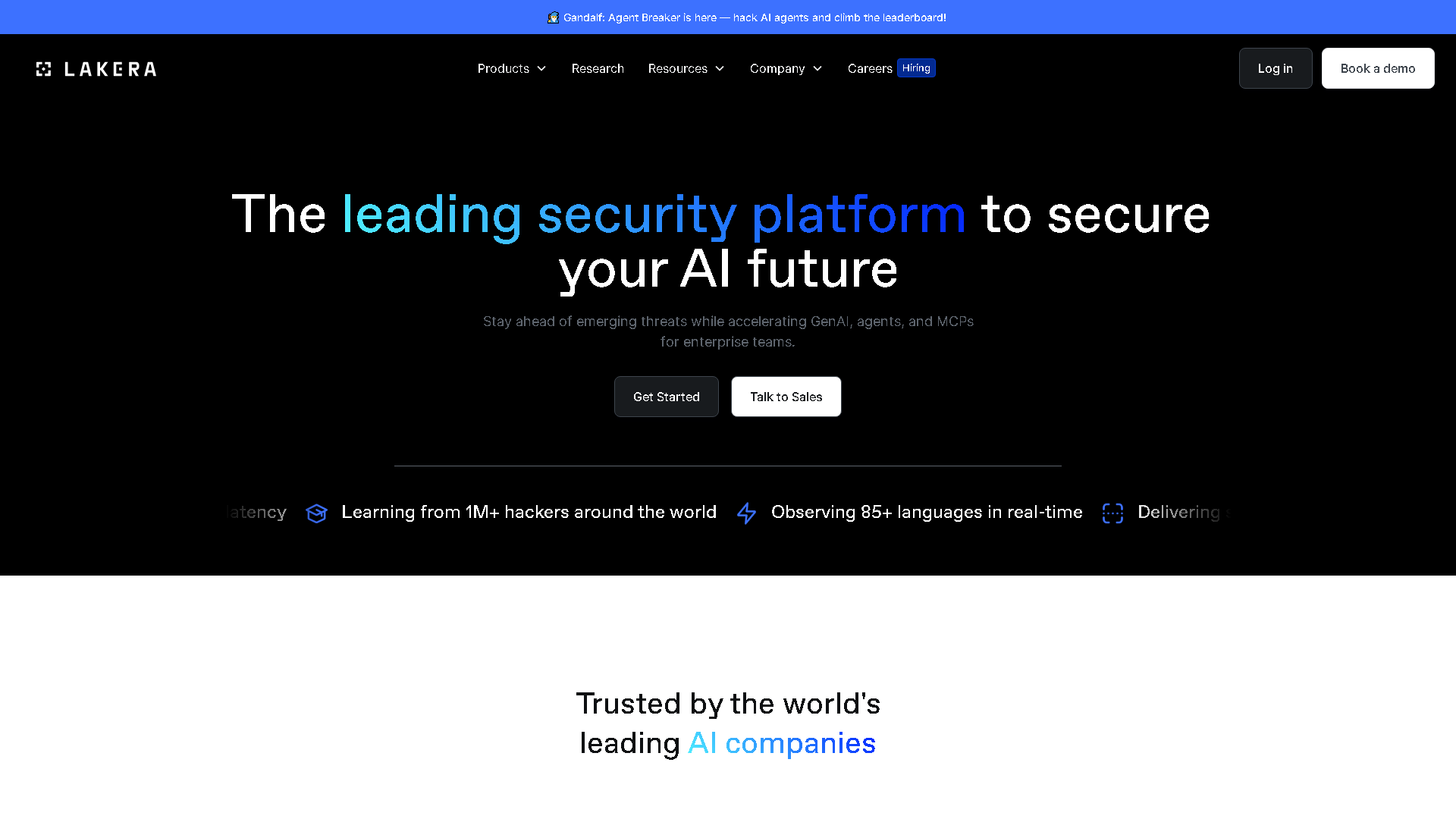

Lakera
Lakera: The AI-Native Security Platform to Accelerate GenAI
About Lakera - AI Detection & Anti-Detection AI Tool
Key Features of Lakera
- Advanced AI Detection & Anti-Detection capabilities powered by AI
- User-friendly interface designed for AI Detector
- Professional-grade features
- Compatible with modern web browsers and devices
- Regular updates and improvements
Who Should Use Lakera?
Lakera is perfect for professionals, businesses, and individuals looking for reliable AI Detection & Anti-Detection solutions. Whether you're a beginner or an expert in AI Detector, this tool offers the flexibility and power you need. Explore our complete AI tools directory to discover more innovative solutions.
How to Use Lakera - Step-by-Step Guide
Getting started with Lakera is simple and straightforward. Follow this comprehensive guide to maximize your AI Detection & Anti-Detection experience.
Frequently Asked Questions About Lakera
How to use Lakera for AI Detection & Anti-Detection?
Jumping into Lakera for the first time isn’t as straightforward as just flipping a switch—this is one of those platforms where the onboarding feels like setting up a security system with a very particular purpose. You’ll want to start by connecting it to your AI models and data flows, which means some upfront work to map out where your AI actually touches sensitive info or user inputs. It’s not a plug-and-play experience, and you’ll quickly realize that the value comes from tailoring the protection to your specific AI use cases rather than generic rules. Early on, expect to spend time reviewing findings from their red team simulations and adjusting your AI’s environment accordingly. It’s a bit like hiring a virtual hacker who keeps poking holes so you can patch them before anyone else does. For teams new to AI security, that learning curve can be steep and sometimes frustrating, but if you’re serious about keeping your AI projects out of trouble, it’s exactly the kind of gritty tool you want.
Is Lakera free to use in 2026?
Lakera is a paid tool. Visit their official website for verified pricing and billing options.
What are the best AI Detection & Anti-Detection alternatives to Lakera?
The best alternatives to Lakera in the AI Detection & Anti-Detection category include Branded and hCaptcha. Explore other AI Detection & Anti-Detection tools to find the perfect fit for your needs.
What are the key features of Lakera?
Lakera offers advanced AI Detection & Anti-Detection capabilities including AI-powered AI Detector, user-friendly interface, cross-platform compatibility, and regular updates. It's designed for professionals who need reliable AI Detection & Anti-Detection solutions.
Is Lakera suitable for beginners?
Absolutely! Lakera is designed with both beginners and experts in mind. The intuitive interface and comprehensive documentation make it easy for newcomers to AI Detection & Anti-Detection to get started, while advanced features satisfy professional requirements.
How does Lakera compare to other AI Detection & Anti-Detection tools?
Lakera offers competitive features in the AI Detection & Anti-Detection space, with particular strengths in AI Detector. Compare features, pricing, and user reviews to find the best fit for your specific needs.