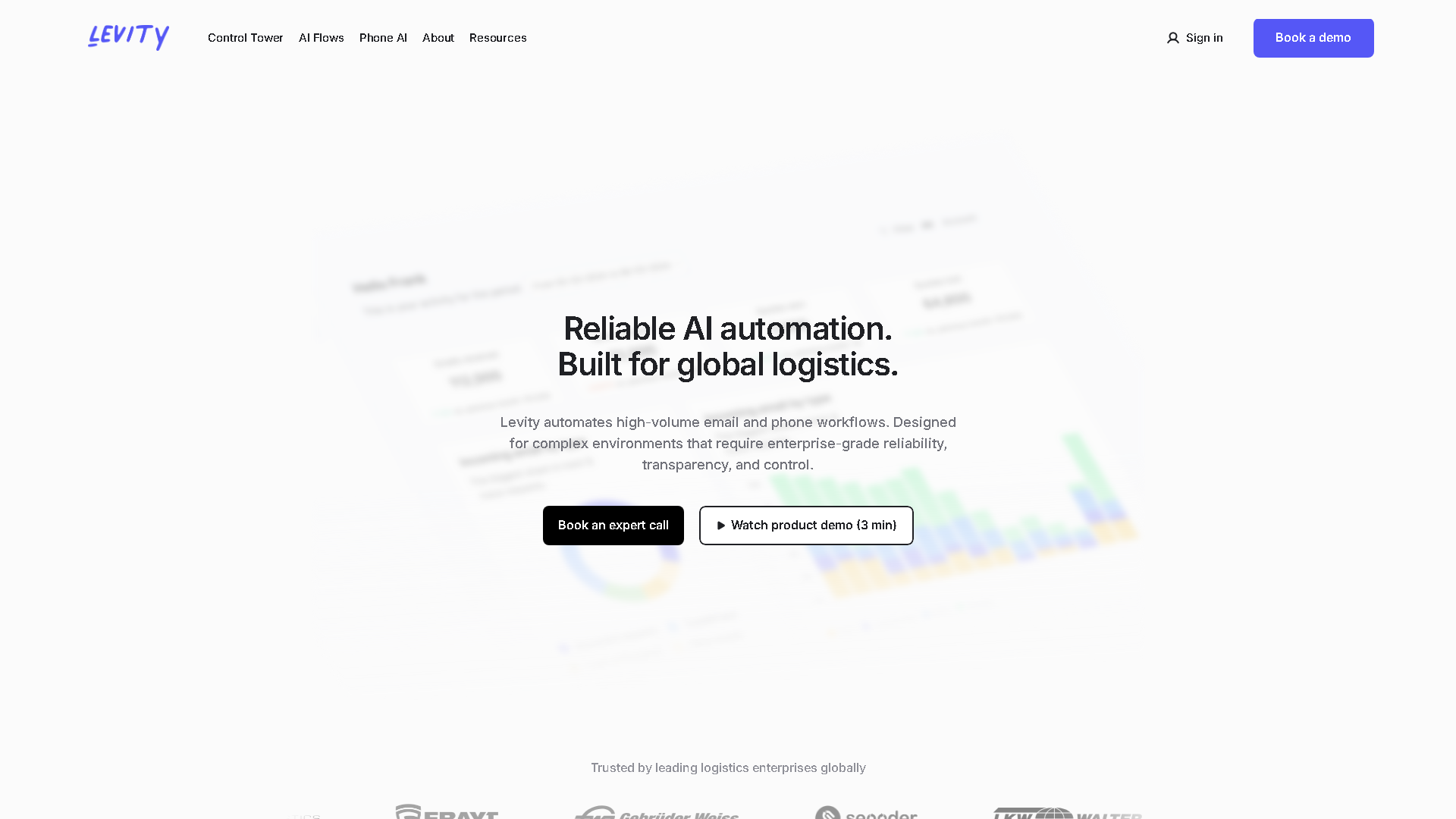

Levity
Levity | Streamline Your Freight Email Operations with AI and automation
About Levity - Writing & Content AI Tool
Key Features of Levity
- Advanced Writing & Content capabilities powered by AI
- User-friendly interface designed for AI Text Classifier
- Professional-grade features
- Compatible with modern web browsers and devices
- Regular updates and improvements
Who Should Use Levity?
Levity is perfect for professionals, businesses, and individuals looking for reliable Writing & Content solutions. Whether you're a beginner or an expert in AI Text Classifier, this tool offers the flexibility and power you need. Explore our complete AI tools directory to discover more innovative solutions.
How to Use Levity - Step-by-Step Guide
Getting started with Levity is simple and straightforward. Follow this comprehensive guide to maximize your Writing & Content experience.
Frequently Asked Questions About Levity
How to use Levity for Writing & Content?
Starting with Levity feels like handing over your inbox to an intern who learns on the job—except this intern never sleeps and doesn’t complain. You begin by uploading or connecting your emails and telling it what kind of emails belong where, usually by tagging a batch manually. The onboarding is a bit of a wake-up call because you have to invest time upfront labeling examples—it’s not instant gratification. Once you’ve shown it enough, you watch it start to guess and sort on its own. The interface is no-frills but functional, which means you won’t get lost but you also won’t be dazzled. Expect to spend a few days checking its work, correcting mistakes, and giving feedback, which is crucial because it learns from your interventions. If you’re used to dragging and dropping or setting up complex rules, this feels more like training a dog than programming software. It’s surprisingly forgiving but also demands you stay engaged at the start or it’ll just spit out nonsense. In practice, it saves time once it’s trained, but the initial grind is real and can feel like babysitting AI.
Is Levity free to use in 2026?
Levity is a paid tool. Visit their official website for verified pricing and billing options.
What are the best Writing & Content alternatives to Levity?
The best alternatives to Levity in the Writing & Content category include Dovetail and Formula Bot. Explore other Writing & Content tools to find the perfect fit for your needs.
What are the key features of Levity?
Levity offers advanced Writing & Content capabilities including AI-powered AI Text Classifier, user-friendly interface, cross-platform compatibility, and regular updates. It's designed for professionals who need reliable Writing & Content solutions.
Is Levity suitable for beginners?
Absolutely! Levity is designed with both beginners and experts in mind. The intuitive interface and comprehensive documentation make it easy for newcomers to Writing & Content to get started, while advanced features satisfy professional requirements.
How does Levity compare to other Writing & Content tools?
Levity offers competitive features in the Writing & Content space, with particular strengths in AI Text Classifier. Compare features, pricing, and user reviews to find the best fit for your specific needs.