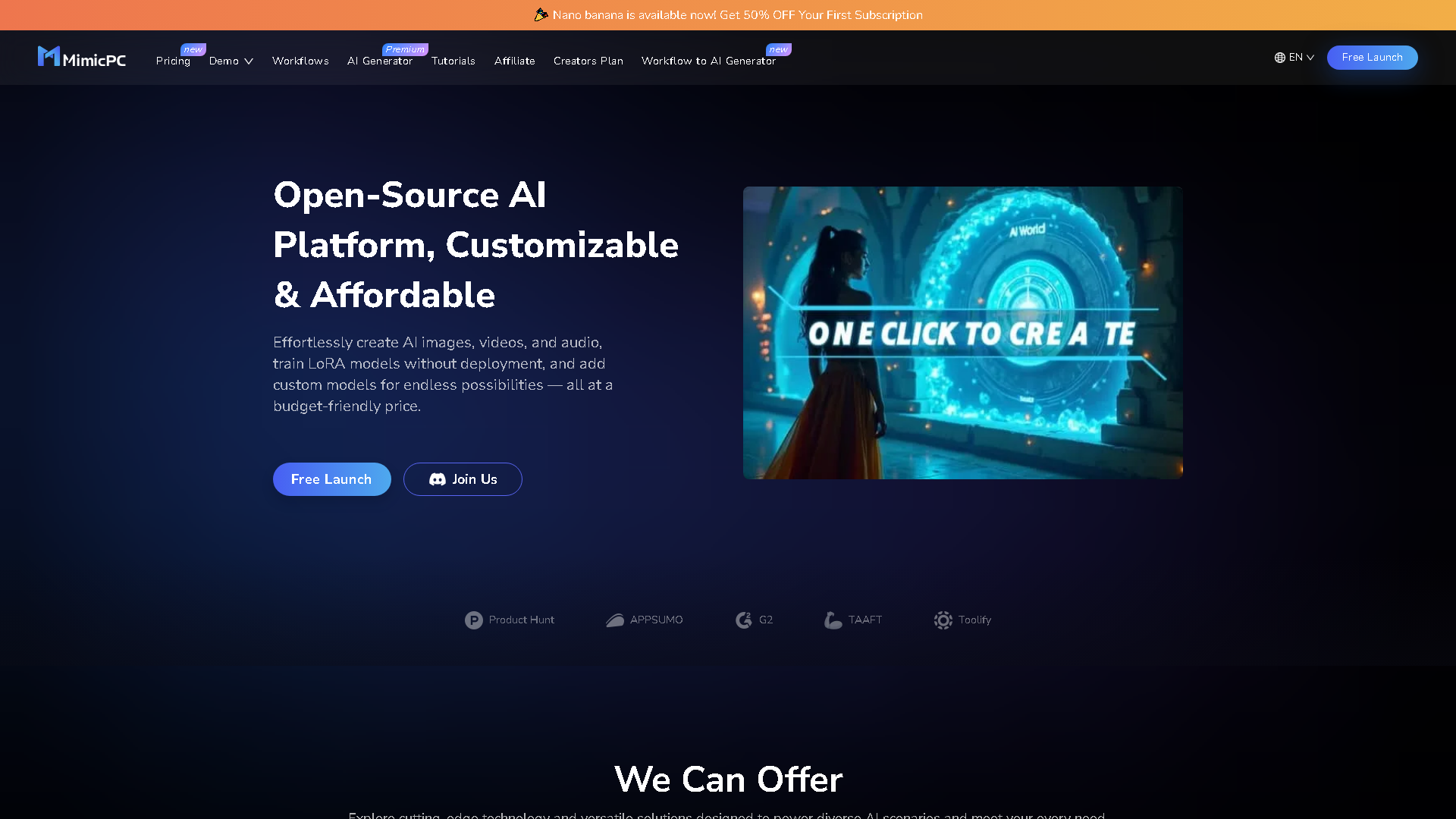

MimicPC
MimicPC - Open-Source AI Platform, Customizable & Affordable
About MimicPC - Writing & Content AI Tool
Key Features of MimicPC
- Advanced Writing & Content capabilities powered by AI
- User-friendly interface designed for AI Story Generator
- Professional-grade features
- Compatible with modern web browsers and devices
- Regular updates and improvements
Who Should Use MimicPC?
MimicPC is perfect for professionals, businesses, and individuals looking for reliable Writing & Content solutions. Whether you're a beginner or an expert in AI Story Generator, this tool offers the flexibility and power you need. Explore our complete AI tools directory to discover more innovative solutions.
How to Use MimicPC - Step-by-Step Guide
Getting started with MimicPC is simple and straightforward. Follow this comprehensive guide to maximize your Writing & Content experience.
Frequently Asked Questions About MimicPC
How to use MimicPC for Writing & Content?
Jumping in for the first time with MimicPC can feel a bit like assembling a puzzle without the box cover—you get a lot of power, but the interface asks you to figure out your path. You start by picking what you want to create—image, video, or audio—and then you’re nudged to either load a model or train a new one with your own data. There’s no hand-holding with flashy tutorials, so expect to fumble a bit, especially if you’re not already familiar with LoRA models or Stable Diffusion variants. The real friction comes from balancing the customization options with figuring out what settings actually produce results you like; it’s not a one-click deal. But once you get past the initial setup, you begin to see how you can slot your custom models alongside existing ones and experiment across media types without leaving the platform. It’s not for the casual user who wants instant gratification, but for those willing to invest some time, it offers a surprisingly cohesive playground.
Is MimicPC free to use in 2026?
MimicPC is a paid tool. Visit their official website for verified pricing and billing options.
What are the best Writing & Content alternatives to MimicPC?
The best alternatives to MimicPC in the Writing & Content category include Perchance and Novi AI. Explore other Writing & Content tools to find the perfect fit for your needs.
What are the key features of MimicPC?
MimicPC offers advanced Writing & Content capabilities including AI-powered AI Story Generator, user-friendly interface, cross-platform compatibility, and regular updates. It's designed for professionals who need reliable Writing & Content solutions.
Is MimicPC suitable for beginners?
Absolutely! MimicPC is designed with both beginners and experts in mind. The intuitive interface and comprehensive documentation make it easy for newcomers to Writing & Content to get started, while advanced features satisfy professional requirements.
How does MimicPC compare to other Writing & Content tools?
MimicPC offers competitive features in the Writing & Content space, with particular strengths in AI Story Generator. Compare features, pricing, and user reviews to find the best fit for your specific needs.