
NotePerformer
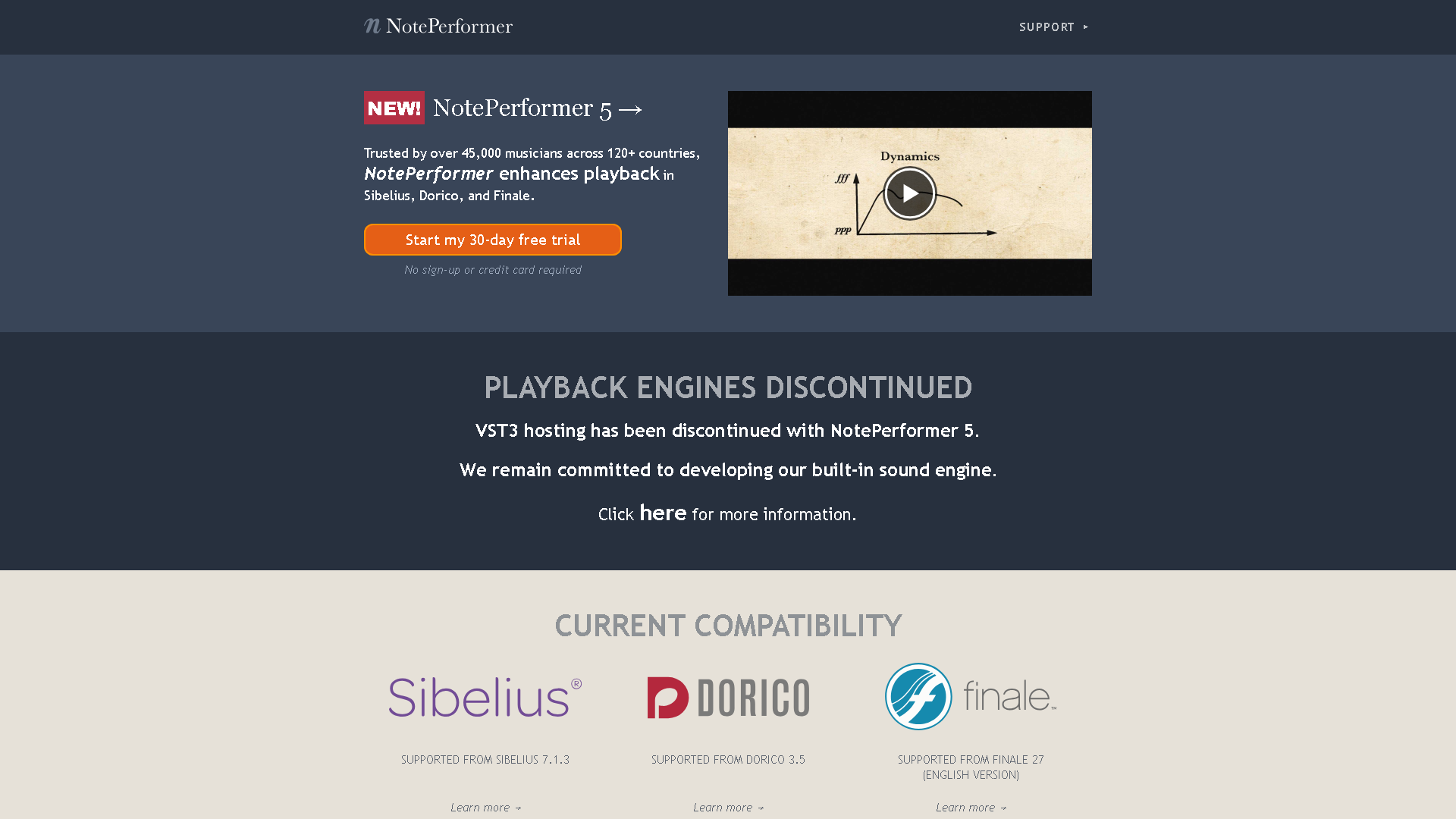
NotePerformer 5 - Realistic Playback for Sibelius, Dorico & Finale
About NotePerformer - Audio & Voice AI Tool
Key Features of NotePerformer
- Advanced Audio & Voice capabilities powered by AI
- User-friendly interface designed for AI Audio Enhancer
- Professional-grade features
- Compatible with modern web browsers and devices
- Regular updates and improvements
Who Should Use NotePerformer?
NotePerformer is perfect for professionals, businesses, and individuals looking for reliable Audio & Voice solutions. Whether you're a beginner or an expert in AI Audio Enhancer, this tool offers the flexibility and power you need. Explore our complete AI tools directory to discover more innovative solutions.
How to Use NotePerformer - Step-by-Step Guide
Getting started with NotePerformer is simple and straightforward. Follow this comprehensive guide to maximize your Audio & Voice experience.
Frequently Asked Questions About NotePerformer
How to use NotePerformer for Audio & Voice?
Jumping into NotePerformer is surprisingly straightforward if you already use Sibelius, Finale, or Dorico. First-time setup mostly means installing the engine and letting it replace your default playback sounds, which can feel like a bit of a black box moment because you’re not tweaking individual samples or instruments directly. The onboarding is less about learning new buttons and more about trusting that the AI will interpret your score’s markings properly. It’s a bit weird at first—your ears expect robotic MIDI, but NotePerformer surprises you with subtle swells, natural-sounding articulations, and even some breathing room in the music. The biggest friction point is understanding that you have to write your score in a way that respects traditional notation dynamics and expressions; if your score is sloppy or overly compressed, NotePerformer can’t work its magic. But once you get that, you just hit play, and it’s like having an orchestra in your computer room. You don’t fiddle with endless plugins or patches; it’s more about refining your score and letting NotePerformer do the heavy lifting on the playback side.
Is NotePerformer free to use in 2026?
NotePerformer is a paid tool. Visit their official website for verified pricing and billing options.
What are the best Audio & Voice alternatives to NotePerformer?
The best alternatives to NotePerformer in the Audio & Voice category include Adobe Podcast and Online Audio Converter. Explore other Audio & Voice tools to find the perfect fit for your needs.
What are the key features of NotePerformer?
NotePerformer offers advanced Audio & Voice capabilities including AI-powered AI Audio Enhancer, user-friendly interface, cross-platform compatibility, and regular updates. It's designed for professionals who need reliable Audio & Voice solutions.
Is NotePerformer suitable for beginners?
Absolutely! NotePerformer is designed with both beginners and experts in mind. The intuitive interface and comprehensive documentation make it easy for newcomers to Audio & Voice to get started, while advanced features satisfy professional requirements.
How does NotePerformer compare to other Audio & Voice tools?
NotePerformer offers competitive features in the Audio & Voice space, with particular strengths in AI Audio Enhancer. Compare features, pricing, and user reviews to find the best fit for your specific needs.