
Onvo AI
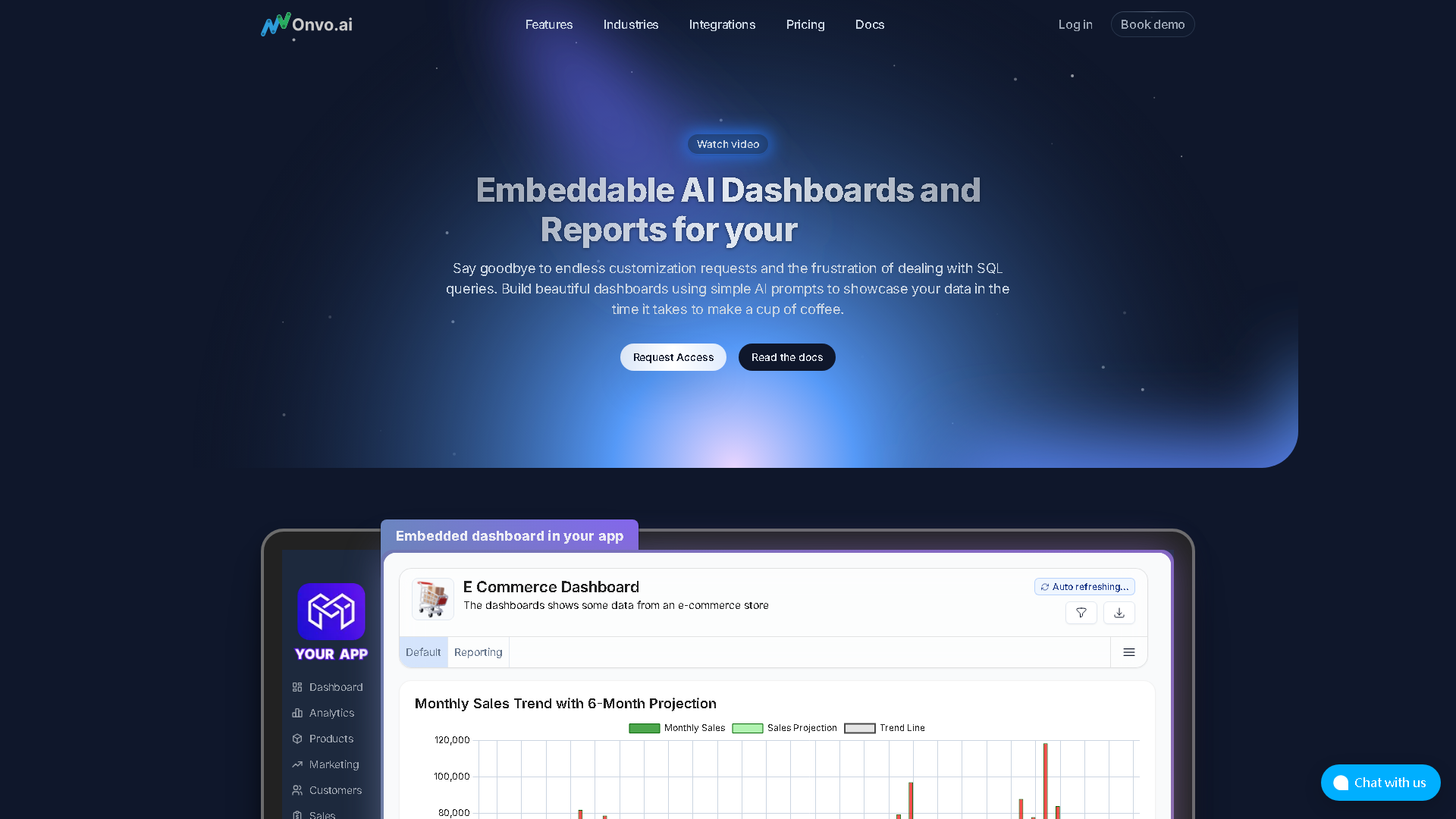
Onvo AI - Build and Embed Better Dashboards and Reports using AI
About Onvo AI - Office & Productivity AI Tool
Key Features of Onvo AI
- Advanced Office & Productivity capabilities powered by AI
- User-friendly interface designed for AI Charting
- Professional-grade features
- Compatible with modern web browsers and devices
- Regular updates and improvements
Who Should Use Onvo AI?
Onvo AI is perfect for professionals, businesses, and individuals looking for reliable Office & Productivity solutions. Whether you're a beginner or an expert in AI Charting, this tool offers the flexibility and power you need. Explore our complete AI tools directory to discover more innovative solutions.
How to Use Onvo AI - Step-by-Step Guide
Getting started with Onvo AI is simple and straightforward. Follow this comprehensive guide to maximize your Office & Productivity experience.
Frequently Asked Questions About Onvo AI
How to use Onvo AI for Office & Productivity?
Starting with Onvo AI feels a bit like setting up a new gadget that’s powerful but not exactly plug-and-play. First, you’ll need to connect your various data sources—think databases, APIs, whatever your SaaS relies on—and that’s where the friction begins because it expects some familiarity with backend setups. Then, you dive into the SDK to tailor how the AI interprets prompts and generates visuals, which can be rewarding but definitely tech-heavy. Once that’s done, the real test is handing it over to users: do they intuitively know how to phrase questions or commands to get meaningful dashboards? The onboarding isn’t about clicking through tutorials; it’s about training and tweaking so the AI’s understanding aligns with real queries. If you’re not ready to invest in that tuning and developer time, it won’t feel smooth. But if you push through, you get a system where your users can, say, type “show me last quarter’s sales by region” and get a dynamic chart instantly, without waiting on reports or digging through spreadsheets.
Is Onvo AI free to use in 2026?
Onvo AI is a paid tool. Visit their official website for verified pricing and billing options.
What are the best Office & Productivity alternatives to Onvo AI?
The best alternatives to Onvo AI in the Office & Productivity category include Graphy and Basedash. Explore other Office & Productivity tools to find the perfect fit for your needs.
What are the key features of Onvo AI?
Onvo AI offers advanced Office & Productivity capabilities including AI-powered AI Charting, user-friendly interface, cross-platform compatibility, and regular updates. It's designed for professionals who need reliable Office & Productivity solutions.
Is Onvo AI suitable for beginners?
Absolutely! Onvo AI is designed with both beginners and experts in mind. The intuitive interface and comprehensive documentation make it easy for newcomers to Office & Productivity to get started, while advanced features satisfy professional requirements.
How does Onvo AI compare to other Office & Productivity tools?
Onvo AI offers competitive features in the Office & Productivity space, with particular strengths in AI Charting. Compare features, pricing, and user reviews to find the best fit for your specific needs.