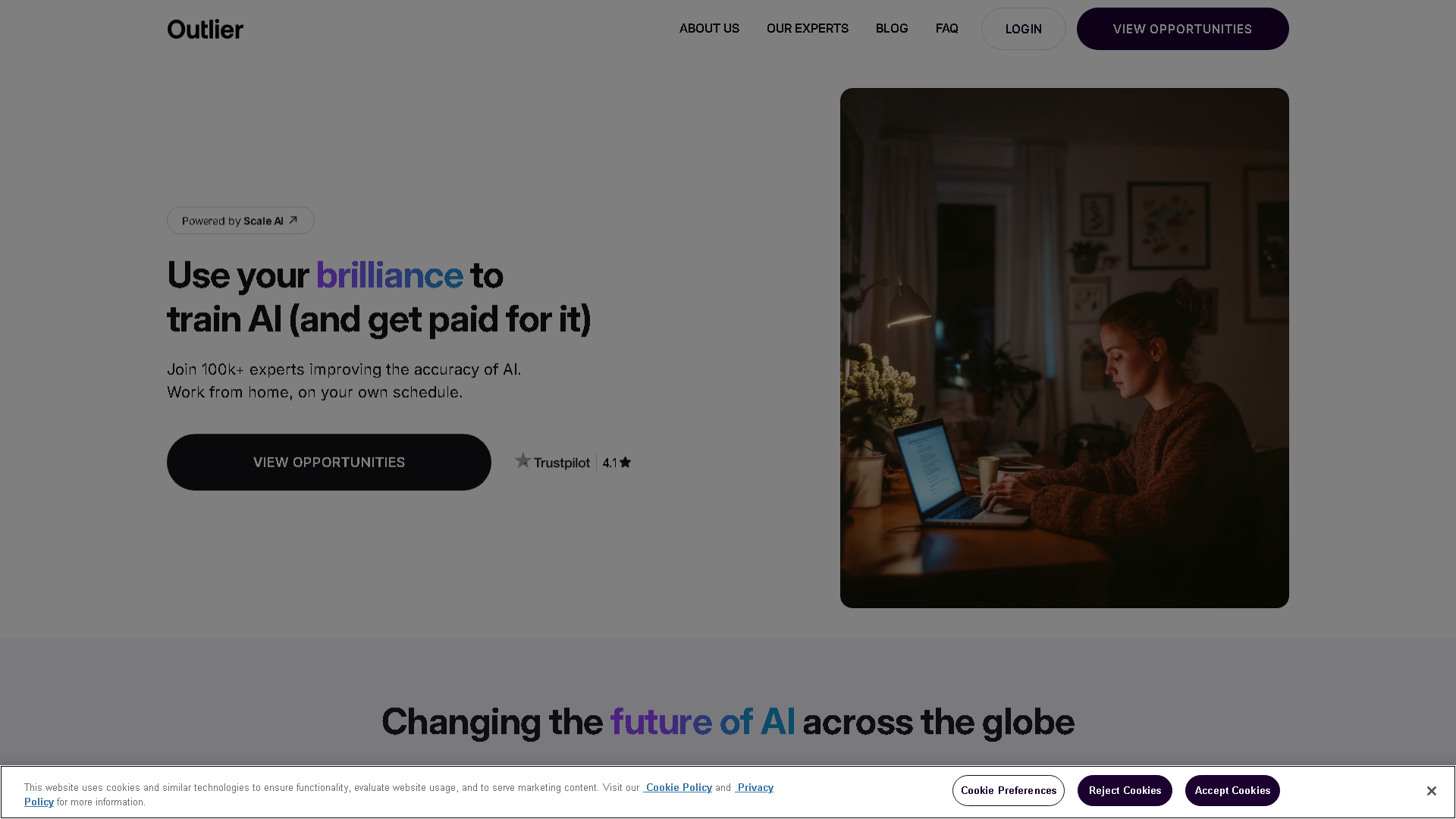

Outlier AI
Train the Next Generation of AI as a Freelancer | Outlier AI
About Outlier AI - Development & APIs AI Tool
Key Features of Outlier AI
- Advanced Development & APIs capabilities powered by AI
- User-friendly interface designed for AI Developer Tools
- Professional-grade features
- Compatible with modern web browsers and devices
- Regular updates and improvements
Who Should Use Outlier AI?
Outlier AI is perfect for professionals, businesses, and individuals looking for reliable Development & APIs solutions. Whether you're a beginner or an expert in AI Developer Tools, this tool offers the flexibility and power you need. Explore our complete AI tools directory to discover more innovative solutions.
How to Use Outlier AI - Step-by-Step Guide
Getting started with Outlier AI is simple and straightforward. Follow this comprehensive guide to maximize your Development & APIs experience.
Frequently Asked Questions About Outlier AI
How to use Outlier AI for Development & APIs?
Jumping into Outlier AI feels a bit like walking onto a factory floor where the work is precise but repetitive. When you first sign up, you’re thrown into a mix of training and testing to prove you can spot details that machines miss. It’s not instant gratification; expect to spend some time understanding the standards and quirks of the task at hand. Once you’re in, the platform feeds you batches of data — images, text, whatever needs tagging — and you annotate or verify according to guidelines that can feel pretty exacting. It’s not a place for quick clicks; you have to pay attention because your input directly shapes the AI’s future behavior. The onboarding can be a bit rough if you’re used to polished, consumer apps, but if you’re willing to learn and stick with it, you’ll find yourself in a workflow that’s oddly satisfying, almost like a craft. It’s real work, with real impact on AI quality.
Is Outlier AI free to use in 2026?
Outlier AI is a paid tool. Visit their official website for verified pricing and billing options.
What are the best Development & APIs alternatives to Outlier AI?
The best alternatives to Outlier AI in the Development & APIs category include Hugging Face and Prolific. Explore other Development & APIs tools to find the perfect fit for your needs.
What are the key features of Outlier AI?
Outlier AI offers advanced Development & APIs capabilities including AI-powered AI Developer Tools, user-friendly interface, cross-platform compatibility, and regular updates. It's designed for professionals who need reliable Development & APIs solutions.
Is Outlier AI suitable for beginners?
Absolutely! Outlier AI is designed with both beginners and experts in mind. The intuitive interface and comprehensive documentation make it easy for newcomers to Development & APIs to get started, while advanced features satisfy professional requirements.
How does Outlier AI compare to other Development & APIs tools?
Outlier AI offers competitive features in the Development & APIs space, with particular strengths in AI Developer Tools. Compare features, pricing, and user reviews to find the best fit for your specific needs.