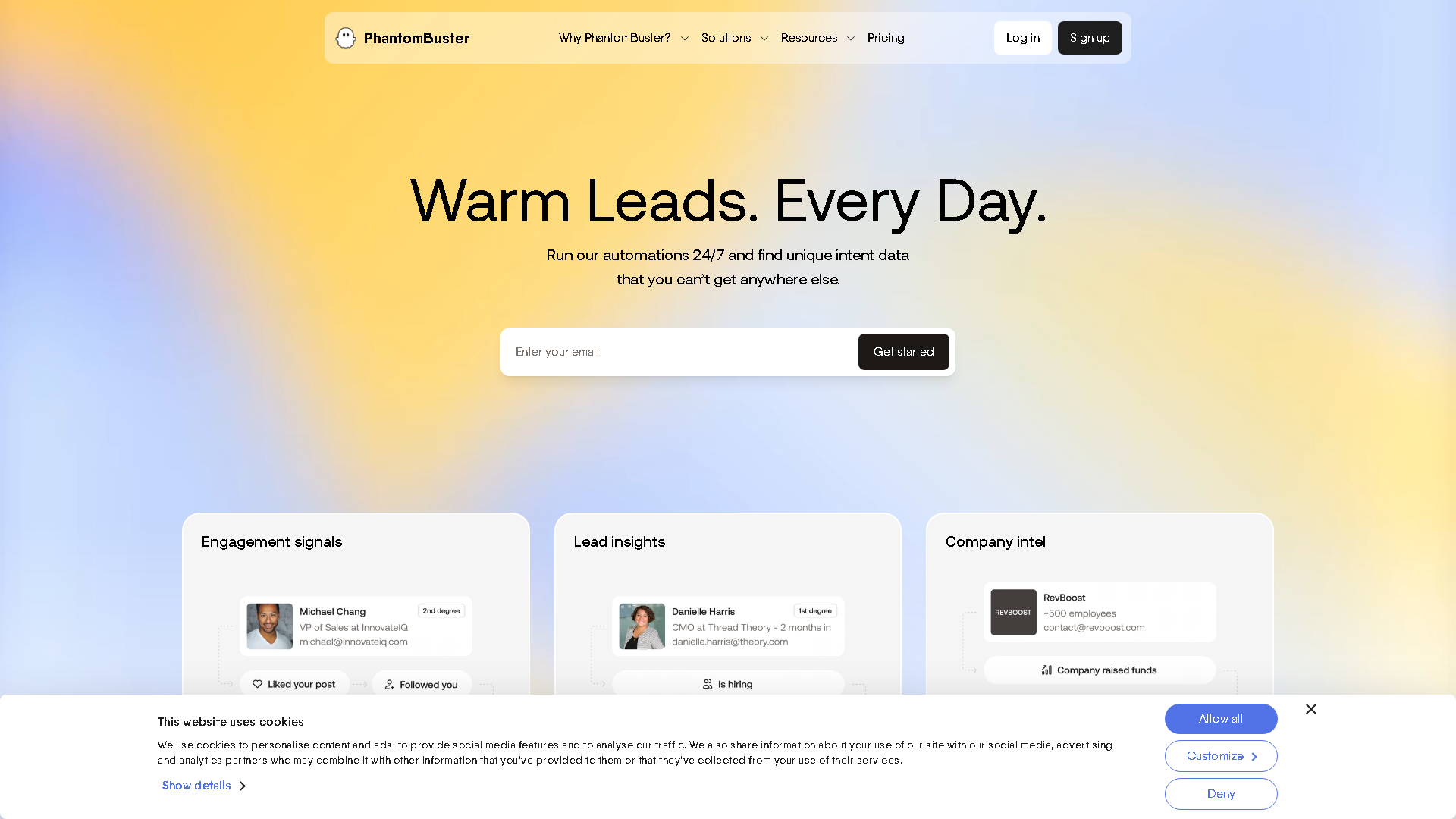

PhantomBuster
PhantomBuster | Real-time sales prospecting
About PhantomBuster - Development & APIs AI Tool
Key Features of PhantomBuster
- Advanced Development & APIs capabilities powered by AI
- User-friendly interface designed for AI Web Scraping
- Professional-grade features
- Compatible with modern web browsers and devices
- Regular updates and improvements
Who Should Use PhantomBuster?
PhantomBuster is perfect for professionals, businesses, and individuals looking for reliable Development & APIs solutions. Whether you're a beginner or an expert in AI Web Scraping, this tool offers the flexibility and power you need. Explore our complete AI tools directory to discover more innovative solutions.
How to Use PhantomBuster - Step-by-Step Guide
Getting started with PhantomBuster is simple and straightforward. Follow this comprehensive guide to maximize your Development & APIs experience.
Frequently Asked Questions About PhantomBuster
How to use PhantomBuster for Development & APIs?
Starting with PhantomBuster is like stepping into a mildly cryptic workshop rather than opening a neat app. Your first task is to pick a ‘phantom’—basically a mini-automation script—and connect it to your target platform, often requiring you to grab session cookies or tokens, which can feel like tech wizardry if you’re not used to it. Then, you’ll configure who or what you want to scrape, set run intervals, and hope the platform doesn’t flag your activity. The onboarding isn’t spoon-fed; you get thrown into a sandbox of options with some tutorials that assume you’re not a total newbie but not a coder either. It’s common to spend the first few runs troubleshooting why data isn’t showing up or why the bot stopped mid-run. But once you get the hang of scheduling, chaining phantoms, and exporting data to your CRM or spreadsheet, it starts to feel like a secret weapon. Still, expect to babysit those automations regularly because platforms change their defenses, and your flows will break. So, it’s a tool that rewards patience and a willingness to tinker rather than a quick fix.
Is PhantomBuster free to use in 2026?
PhantomBuster is a paid tool. Visit their official website for verified pricing and billing options.
What are the best Development & APIs alternatives to PhantomBuster?
The best alternatives to PhantomBuster in the Development & APIs category include patreondownloader.online and 922 S5 Proxy. Explore other Development & APIs tools to find the perfect fit for your needs.
What are the key features of PhantomBuster?
PhantomBuster offers advanced Development & APIs capabilities including AI-powered AI Web Scraping, user-friendly interface, cross-platform compatibility, and regular updates. It's designed for professionals who need reliable Development & APIs solutions.
Is PhantomBuster suitable for beginners?
Absolutely! PhantomBuster is designed with both beginners and experts in mind. The intuitive interface and comprehensive documentation make it easy for newcomers to Development & APIs to get started, while advanced features satisfy professional requirements.
How does PhantomBuster compare to other Development & APIs tools?
PhantomBuster offers competitive features in the Development & APIs space, with particular strengths in AI Web Scraping. Compare features, pricing, and user reviews to find the best fit for your specific needs.