PlagiarismCheck.org
Plagiarism Checker | 100% Accurate Plagiarism Detector Online
About PlagiarismCheck.org - Writing & Content AI Tool
Key Features of PlagiarismCheck.org
- Advanced Writing & Content capabilities powered by AI
- User-friendly interface designed for AI Grammar Checker
- Professional-grade features
- Compatible with modern web browsers and devices
- Regular updates and improvements
Who Should Use PlagiarismCheck.org?
PlagiarismCheck.org is perfect for professionals, businesses, and individuals looking for reliable Writing & Content solutions. Whether you're a beginner or an expert in AI Grammar Checker, this tool offers the flexibility and power you need. Explore our complete AI tools directory to discover more innovative solutions.
How to Use PlagiarismCheck.org - Step-by-Step Guide
Getting started with PlagiarismCheck.org is simple and straightforward. Follow this comprehensive guide to maximize your Writing & Content experience.
Frequently Asked Questions About PlagiarismCheck.org
How to use PlagiarismCheck.org for Writing & Content?
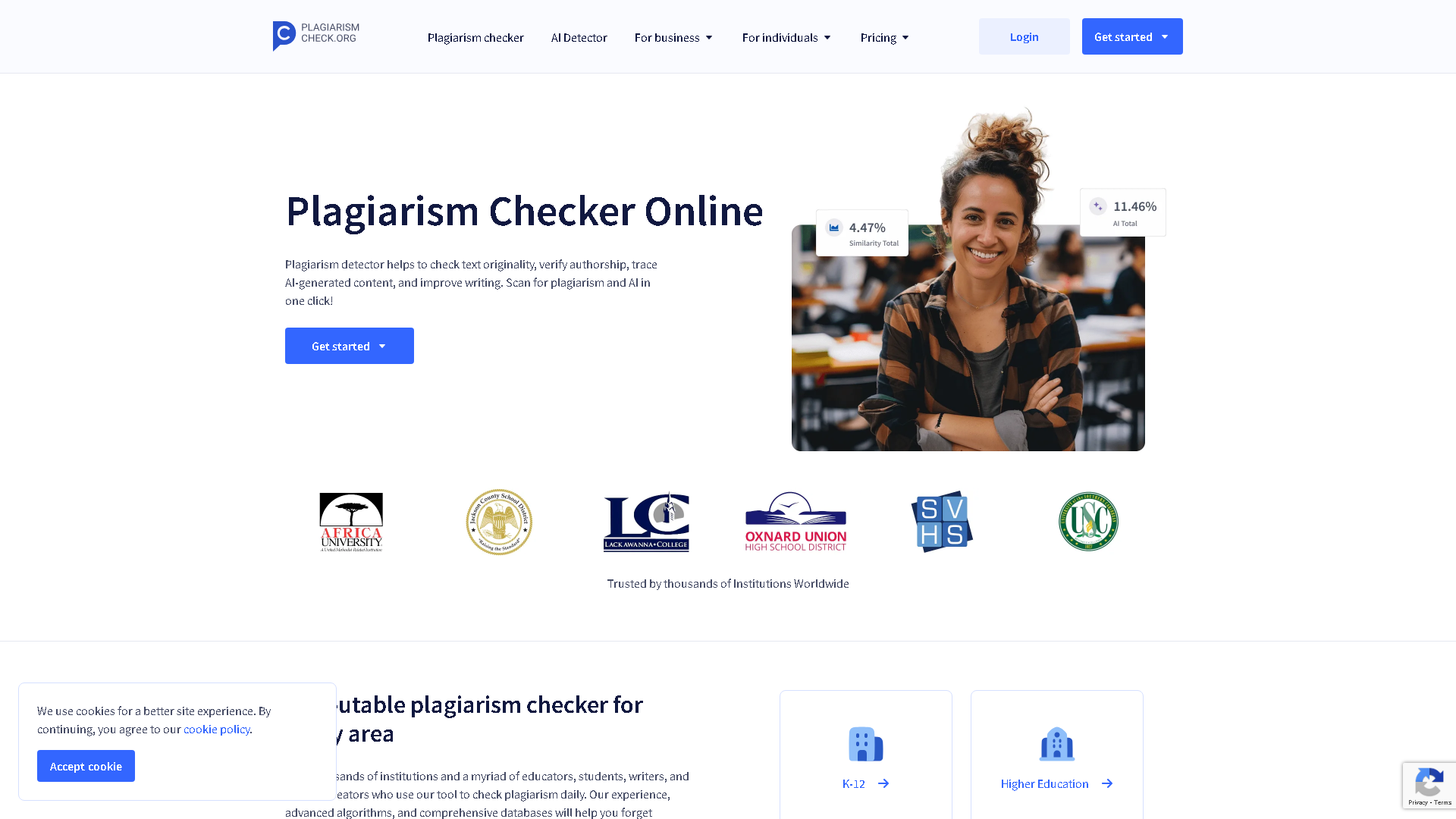
Starting out with PlagiarismCheck.org feels straightforward but a bit barebones—you upload or paste your text, hit check, and wait for the report. But once you see the results, the real work begins. The tool throws back a similarity percentage that can freak you out if you don’t know how to interpret it: is 15% high or low? Then you scroll through the highlighted matches, which can be jarring because not everything flagged is actually a red flag. The onboarding doesn’t hold your hand much; it assumes you know why you’re checking plagiarism and what to do next. So, if you’re a first-timer, expect to spend some time poking around the interface and maybe googling a bit about plagiarism thresholds in your context. It’s not instantly comforting but once you get the hang of reading its reports, it fits into a rough draft–revision loop pretty naturally.
Is PlagiarismCheck.org free to use in 2026?
PlagiarismCheck.org is a paid tool. Visit their official website for verified pricing and billing options.
What are the best Writing & Content alternatives to PlagiarismCheck.org?
The best alternatives to PlagiarismCheck.org in the Writing & Content category include Grammarly and GPTZero. Explore other Writing & Content tools to find the perfect fit for your needs.
What are the key features of PlagiarismCheck.org?
PlagiarismCheck.org offers advanced Writing & Content capabilities including AI-powered AI Grammar Checker, user-friendly interface, cross-platform compatibility, and regular updates. It's designed for professionals who need reliable Writing & Content solutions.
Is PlagiarismCheck.org suitable for beginners?
Absolutely! PlagiarismCheck.org is designed with both beginners and experts in mind. The intuitive interface and comprehensive documentation make it easy for newcomers to Writing & Content to get started, while advanced features satisfy professional requirements.
How does PlagiarismCheck.org compare to other Writing & Content tools?
PlagiarismCheck.org offers competitive features in the Writing & Content space, with particular strengths in AI Grammar Checker. Compare features, pricing, and user reviews to find the best fit for your specific needs.