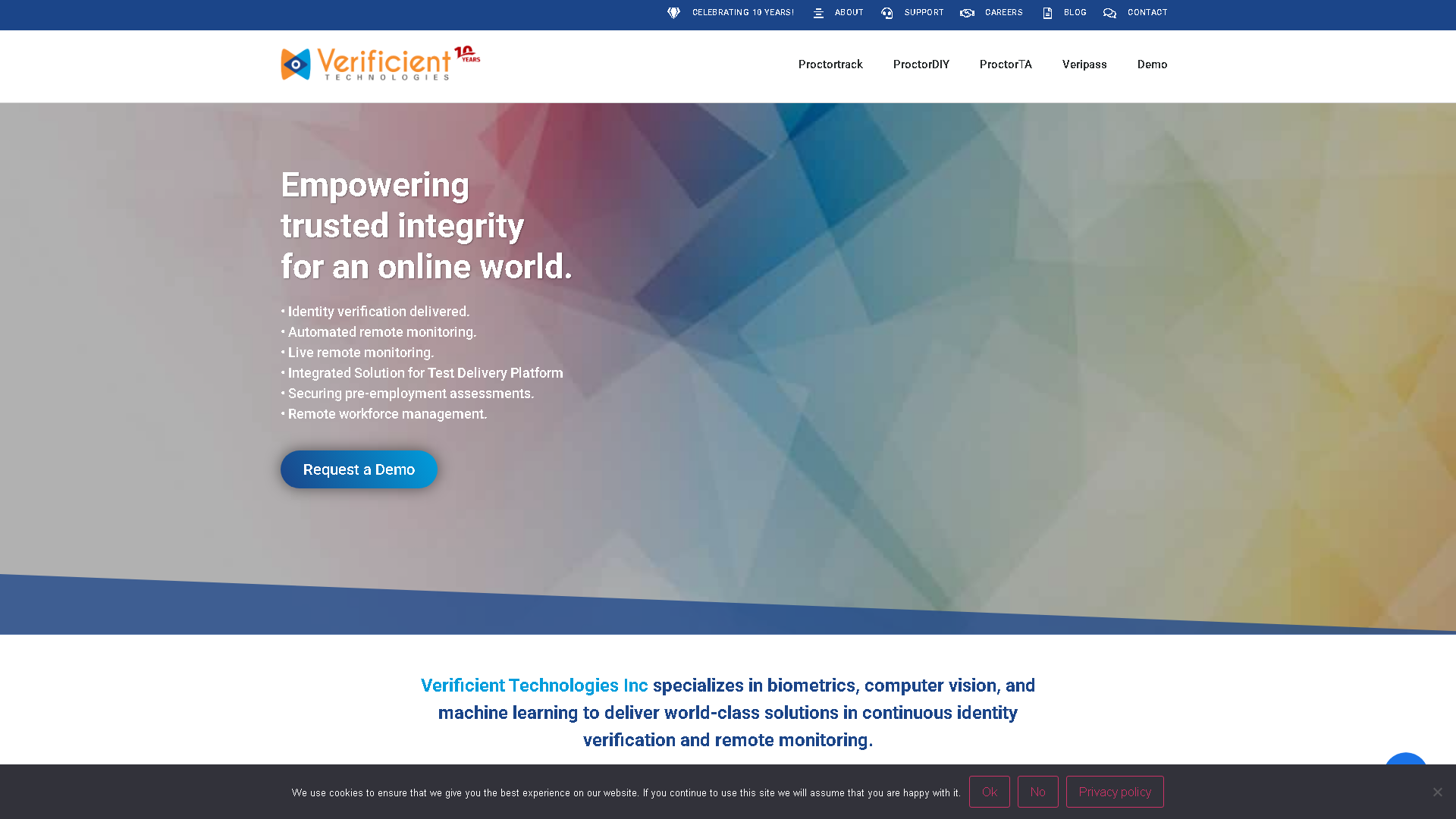

Proctortrack
Verificient | Online Identity Verification for Automated Monitoring
About Proctortrack - Image Analysis AI Tool
Key Features of Proctortrack
- Advanced Image Analysis capabilities powered by AI
- User-friendly interface designed for AI Face Recognition
- Professional-grade features
- Compatible with modern web browsers and devices
- Regular updates and improvements
Who Should Use Proctortrack?
Proctortrack is perfect for professionals, businesses, and individuals looking for reliable Image Analysis solutions. Whether you're a beginner or an expert in AI Face Recognition, this tool offers the flexibility and power you need. Explore our complete AI tools directory to discover more innovative solutions.
How to Use Proctortrack - Step-by-Step Guide
Getting started with Proctortrack is simple and straightforward. Follow this comprehensive guide to maximize your Image Analysis experience.
Frequently Asked Questions About Proctortrack
How to use Proctortrack for Image Analysis?
Starting with Proctortrack is a bit like stepping into a borderline awkward security checkpoint. First, you have to download their software or browser extension, which already sets a tone of seriousness. Then comes the identity verification phase, where you’re asked to show your ID and let the system scan your face multiple times. This can be frustrating because lighting and webcam quality suddenly matter a lot more than you expected. Once you’re in, the actual exam monitoring kicks in—if you move too much, look away, or even have background noise, the system flags it, so you spend half your time worrying about technical glitches rather than the test itself. It’s not seamless, and onboarding often feels like a trial by fire rather than a smooth process, especially for anyone not tech-savvy or in a less-than-ideal environment.
Is Proctortrack free to use in 2026?
Proctortrack is a paid tool. Visit their official website for verified pricing and billing options.
What are the best Image Analysis alternatives to Proctortrack?
The best alternatives to Proctortrack in the Image Analysis category include clickworker and Lenso.ai. Explore other Image Analysis tools to find the perfect fit for your needs.
What are the key features of Proctortrack?
Proctortrack offers advanced Image Analysis capabilities including AI-powered AI Face Recognition, user-friendly interface, cross-platform compatibility, and regular updates. It's designed for professionals who need reliable Image Analysis solutions.
Is Proctortrack suitable for beginners?
Absolutely! Proctortrack is designed with both beginners and experts in mind. The intuitive interface and comprehensive documentation make it easy for newcomers to Image Analysis to get started, while advanced features satisfy professional requirements.
How does Proctortrack compare to other Image Analysis tools?
Proctortrack offers competitive features in the Image Analysis space, with particular strengths in AI Face Recognition. Compare features, pricing, and user reviews to find the best fit for your specific needs.