
Replicate
Replicate - Run AI with an API
About Replicate - Writing & Content AI Tool
Key Features of Replicate
- Advanced Writing & Content capabilities powered by AI
- User-friendly interface designed for AI Image Description Generator
- Professional-grade features
- Compatible with modern web browsers and devices
- Regular updates and improvements
Who Should Use Replicate?
Replicate is perfect for professionals, businesses, and individuals looking for reliable Writing & Content solutions. Whether you're a beginner or an expert in AI Image Description Generator, this tool offers the flexibility and power you need. Explore our complete AI tools directory to discover more innovative solutions.
How to Use Replicate - Step-by-Step Guide
Getting started with Replicate is simple and straightforward. Follow this comprehensive guide to maximize your Writing & Content experience.
Frequently Asked Questions About Replicate
How to use Replicate for Writing & Content?
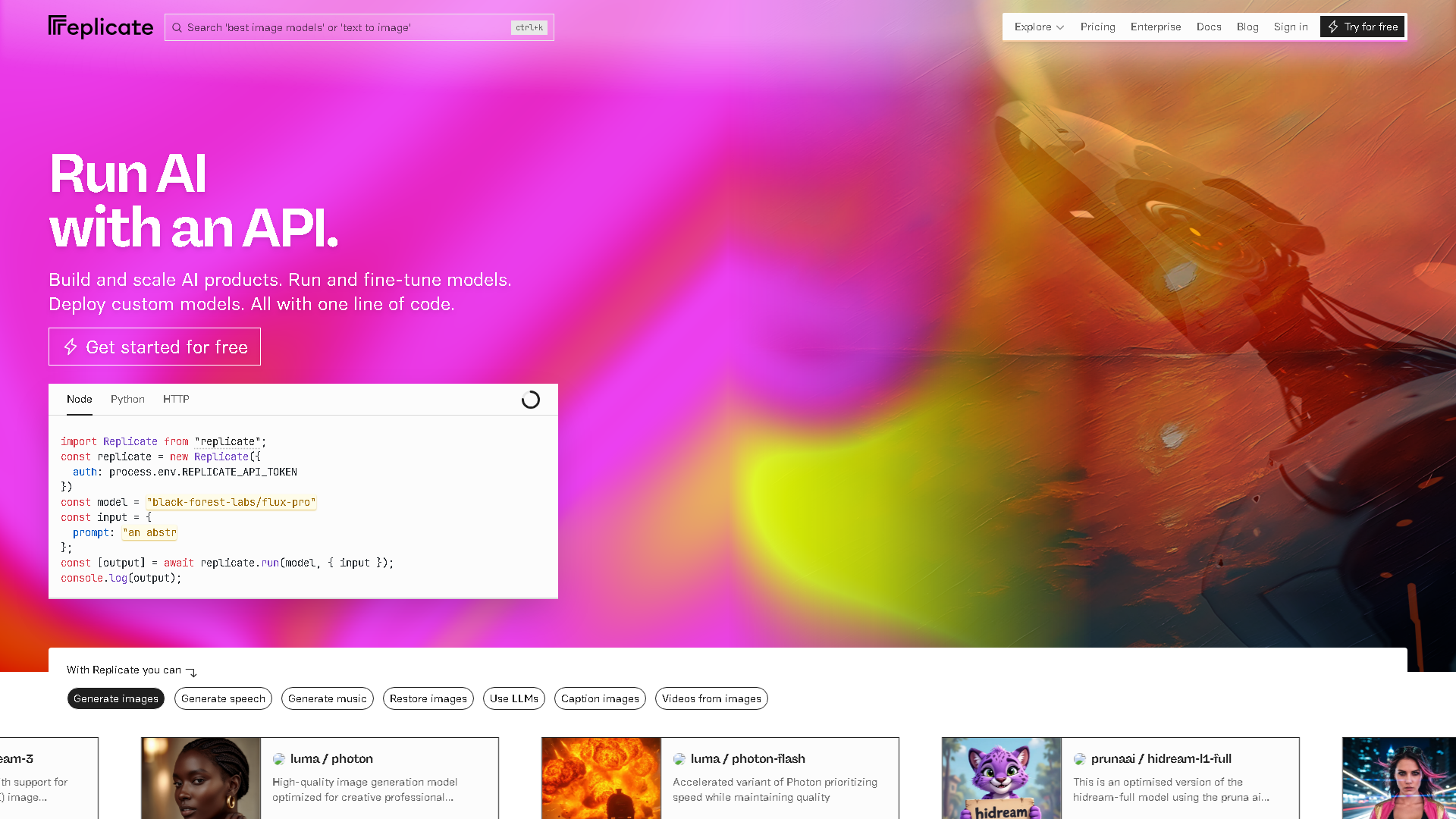
Starting with Replicate is less about clicking through polished dashboards and more about plunging into code snippets and API keys. You sign up, grab your API token, and then you’re mostly in your own world—calling models through simple HTTP requests or a client library. It’s not the friendliest for total beginners since you need to know a bit about APIs and maybe some Python or JavaScript, but if you’ve ever pasted a curl command or fiddled with Postman, you’ll find the rhythm quickly. The onboarding friction isn’t about signing up but about figuring out which model to call and how to shape your input—because Replicate hosts everything from image generators to text processors, each with its quirks. You won’t be clicking buttons to tweak settings endlessly; it’s more like sending a request and seeing what comes back. If you want quick results, expect to spend a moment reading model docs or trial-and-error-ing inputs. The cloud GPU bit means you don’t have to worry about hardware crashes or updates, but it also means you’re handing over control and waiting on network speed.
Is Replicate free to use in 2026?
Replicate is a paid tool. Visit their official website for verified pricing and billing options.
What are the best Writing & Content alternatives to Replicate?
The best alternatives to Replicate in the Writing & Content category include Neural Frames and Describe Image & Picture - AI Image Description, Markdown, and Text Converter. Explore other Writing & Content tools to find the perfect fit for your needs.
What are the key features of Replicate?
Replicate offers advanced Writing & Content capabilities including AI-powered AI Image Description Generator, user-friendly interface, cross-platform compatibility, and regular updates. It's designed for professionals who need reliable Writing & Content solutions.
Is Replicate suitable for beginners?
Absolutely! Replicate is designed with both beginners and experts in mind. The intuitive interface and comprehensive documentation make it easy for newcomers to Writing & Content to get started, while advanced features satisfy professional requirements.
How does Replicate compare to other Writing & Content tools?
Replicate offers competitive features in the Writing & Content space, with particular strengths in AI Image Description Generator. Compare features, pricing, and user reviews to find the best fit for your specific needs.