
Speechly
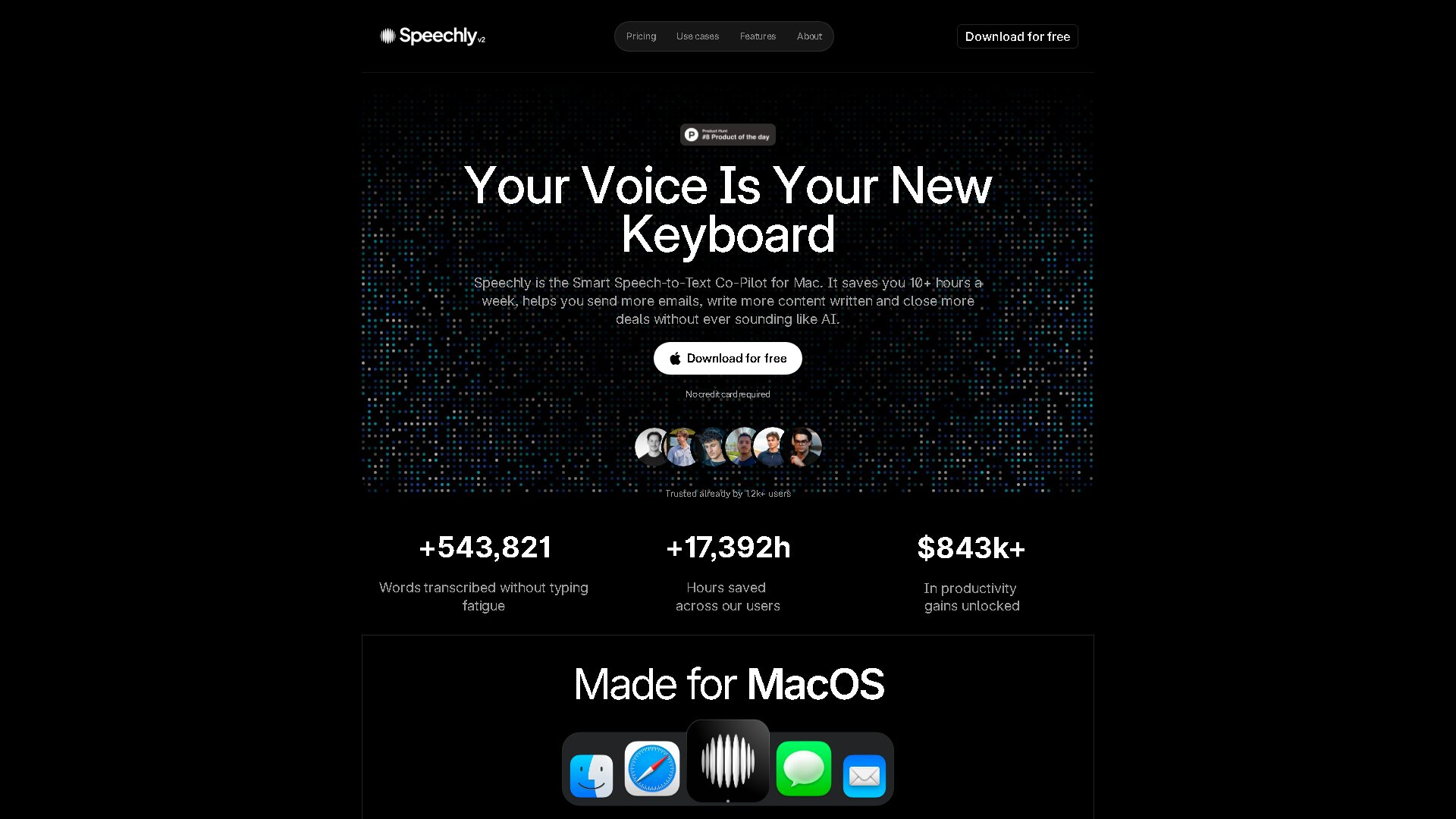
Speechly - Stop typing, just speak
About Speechly - Writing & Content AI Tool
Key Features of Speechly
- Advanced Writing & Content capabilities powered by AI
- User-friendly interface designed for AI Email Writer
- Professional-grade features
- Compatible with modern web browsers and devices
- Regular updates and improvements
Who Should Use Speechly?
Speechly is perfect for professionals, businesses, and individuals looking for reliable Writing & Content solutions. Whether you're a beginner or an expert in AI Email Writer, this tool offers the flexibility and power you need. Explore our complete AI tools directory to discover more innovative solutions.
How to Use Speechly - Step-by-Step Guide
Getting started with Speechly is simple and straightforward. Follow this comprehensive guide to maximize your Writing & Content experience.
Frequently Asked Questions About Speechly
How to use Speechly for Writing & Content?
**Who is it for?** Speechly is built for developers, product teams, and enterprises looking to integrate fast, accurate voice transcription into their applications or workflows, as well as individual professionals seeking a productivity boost. **What does it do?** It converts spoken language into written text in real-time (under 3 seconds) with support for over 150 languages, offering specialized modes for emails, messages, and tasks. **When is it used?** It's used whenever typing is inefficient—during meetings, while multitasking, composing long-form content, or for users with accessibility needs. **Where is it used?** It can be integrated into web and mobile applications via API or used directly through its own applications for dictation and productivity tasks. **Why use it?** To dramatically increase productivity, improve accessibility, enhance user experience in apps, and ensure data security with enterprise-grade protection. **How does it work?** Users speak into their device's microphone, and Speechly's powerful AI engine processes the audio almost instantly, returning highly accurate, formatted text.
Is Speechly free to use in 2026?
Speechly is a paid tool. Visit their official website for verified pricing and billing options.
What are the best Writing & Content alternatives to Speechly?
The best alternatives to Speechly in the Writing & Content category include Superhuman and Spark Mail. Explore other Writing & Content tools to find the perfect fit for your needs.
What are the key features of Speechly?
Speechly offers advanced Writing & Content capabilities including AI-powered AI Email Writer, user-friendly interface, cross-platform compatibility, and regular updates. It's designed for professionals who need reliable Writing & Content solutions.
Is Speechly suitable for beginners?
Absolutely! Speechly is designed with both beginners and experts in mind. The intuitive interface and comprehensive documentation make it easy for newcomers to Writing & Content to get started, while advanced features satisfy professional requirements.
How does Speechly compare to other Writing & Content tools?
Speechly offers competitive features in the Writing & Content space, with particular strengths in AI Email Writer. Compare features, pricing, and user reviews to find the best fit for your specific needs.