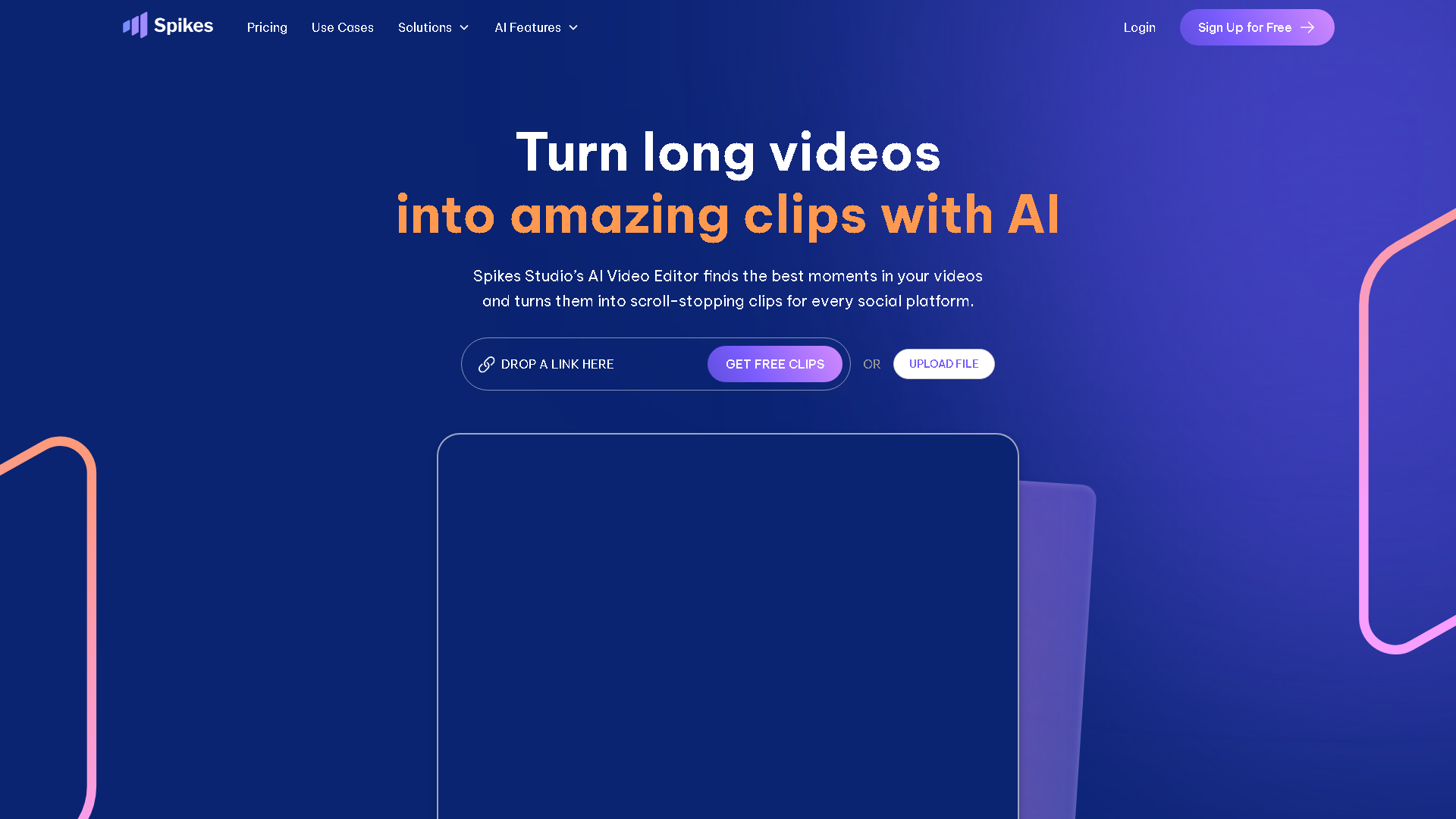

Spikes Studio
Spikes Studio | Ai clip generator for YouTube Twitch TikTok & Reels
About Spikes Studio - Video & Animation AI Tool
Key Features of Spikes Studio
- Advanced Video & Animation capabilities powered by AI
- User-friendly interface designed for AI Short Video Generator
- Professional-grade features
- Compatible with modern web browsers and devices
- Regular updates and improvements
Who Should Use Spikes Studio?
Spikes Studio is perfect for professionals, businesses, and individuals looking for reliable Video & Animation solutions. Whether you're a beginner or an expert in AI Short Video Generator, this tool offers the flexibility and power you need. Explore our complete AI tools directory to discover more innovative solutions.
How to Use Spikes Studio - Step-by-Step Guide
Getting started with Spikes Studio is simple and straightforward. Follow this comprehensive guide to maximize your Video & Animation experience.
Frequently Asked Questions About Spikes Studio
How to use Spikes Studio for Video & Animation?
When you first jump in, expect a little fumbling around because the interface isn’t designed for total beginners—it’s streamlined but assumes you know roughly what clips you want. You upload a long video, and it spits out a handful of potential highlights with auto-captions already baked in, which is cool because typing out captions is the worst. Then you skim through, trimming or swapping clips before exporting. The catch is, the AI can miss context or punchlines, so you’ll spend some time fixing those glitches. Still, it cuts down the hours you’d otherwise waste slicing manually. The onboarding isn’t flashy but functional, so if you’re used to basic video editors, getting comfortable won’t be a nightmare.
Is Spikes Studio free to use in 2026?
Spikes Studio is a paid tool. Visit their official website for verified pricing and billing options.
What are the best Video & Animation alternatives to Spikes Studio?
The best alternatives to Spikes Studio in the Video & Animation category include PDF To Brainrot and WOXO. Explore other Video & Animation tools to find the perfect fit for your needs.
What are the key features of Spikes Studio?
Spikes Studio offers advanced Video & Animation capabilities including AI-powered AI Short Video Generator, user-friendly interface, cross-platform compatibility, and regular updates. It's designed for professionals who need reliable Video & Animation solutions.
Is Spikes Studio suitable for beginners?
Absolutely! Spikes Studio is designed with both beginners and experts in mind. The intuitive interface and comprehensive documentation make it easy for newcomers to Video & Animation to get started, while advanced features satisfy professional requirements.
How does Spikes Studio compare to other Video & Animation tools?
Spikes Studio offers competitive features in the Video & Animation space, with particular strengths in AI Short Video Generator. Compare features, pricing, and user reviews to find the best fit for your specific needs.