StickerMaker AI
StickerMaker AI - 创造个性化AI驱动贴纸 | stickermakerai.com
About StickerMaker AI - Art & Creative Design AI Tool
Key Features of StickerMaker AI
- Advanced Art & Creative Design capabilities powered by AI
- User-friendly interface designed for AI Sticker Generator
- Professional-grade features
- Compatible with modern web browsers and devices
- Regular updates and improvements
Who Should Use StickerMaker AI?
StickerMaker AI is perfect for professionals, businesses, and individuals looking for reliable Art & Creative Design solutions. Whether you're a beginner or an expert in AI Sticker Generator, this tool offers the flexibility and power you need. Explore our complete AI tools directory to discover more innovative solutions.
How to Use StickerMaker AI - Step-by-Step Guide
Getting started with StickerMaker AI is simple and straightforward. Follow this comprehensive guide to maximize your Art & Creative Design experience.
Frequently Asked Questions About StickerMaker AI
How to use StickerMaker AI for Art & Creative Design?
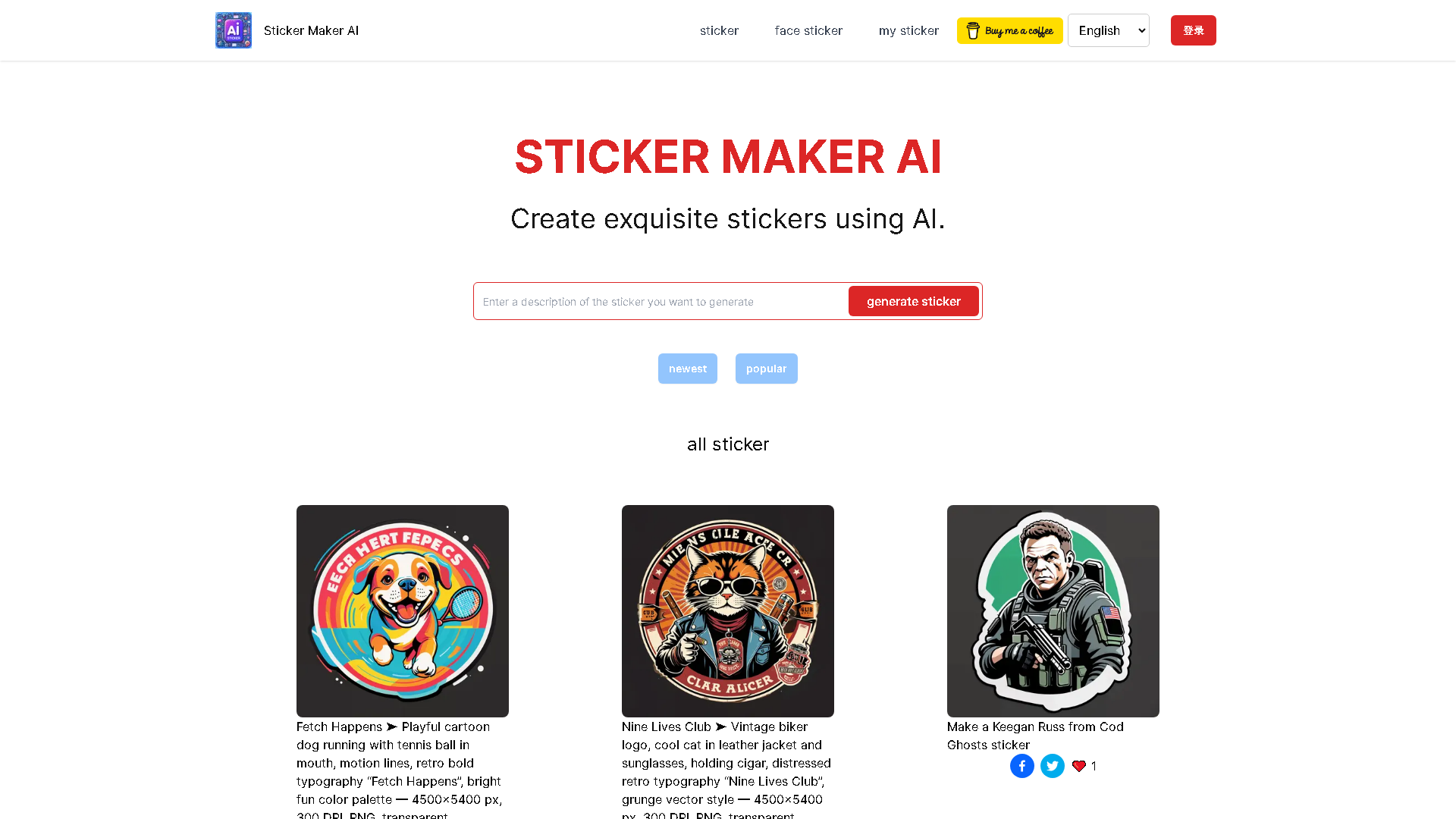
Jumping in for the first time, expect a bit of guessing on how to feed the AI the right prompts since it won’t hold your hand much—there’s no deep tutorial, just a clean interface that nudges you to type what you want. You start by describing the vibe or theme of your sticker, and the tool spits out options that can feel surprisingly on point or sometimes offbeat, which is part of the charm if you’re open to experimentation. Adjusting colors or shapes is fairly straightforward but don’t expect pixel-perfect control; this isn’t Photoshop. The real test is in how you take what the AI gives you and decide to run with it—whether that’s tweaking it a bit more or downloading and slapping it on your project. It’s a bit rough around the edges but fast enough to keep you moving instead of getting stuck on details.
Is StickerMaker AI free to use in 2026?
StickerMaker AI is a paid tool. Visit their official website for verified pricing and billing options.
What are the best Art & Creative Design alternatives to StickerMaker AI?
The best alternatives to StickerMaker AI in the Art & Creative Design category include AI Sticker Generator and AI Tools 99. Explore other Art & Creative Design tools to find the perfect fit for your needs.
What are the key features of StickerMaker AI?
StickerMaker AI offers advanced Art & Creative Design capabilities including AI-powered AI Sticker Generator, user-friendly interface, cross-platform compatibility, and regular updates. It's designed for professionals who need reliable Art & Creative Design solutions.
Is StickerMaker AI suitable for beginners?
Absolutely! StickerMaker AI is designed with both beginners and experts in mind. The intuitive interface and comprehensive documentation make it easy for newcomers to Art & Creative Design to get started, while advanced features satisfy professional requirements.
How does StickerMaker AI compare to other Art & Creative Design tools?
StickerMaker AI offers competitive features in the Art & Creative Design space, with particular strengths in AI Sticker Generator. Compare features, pricing, and user reviews to find the best fit for your specific needs.