
SunoAPI
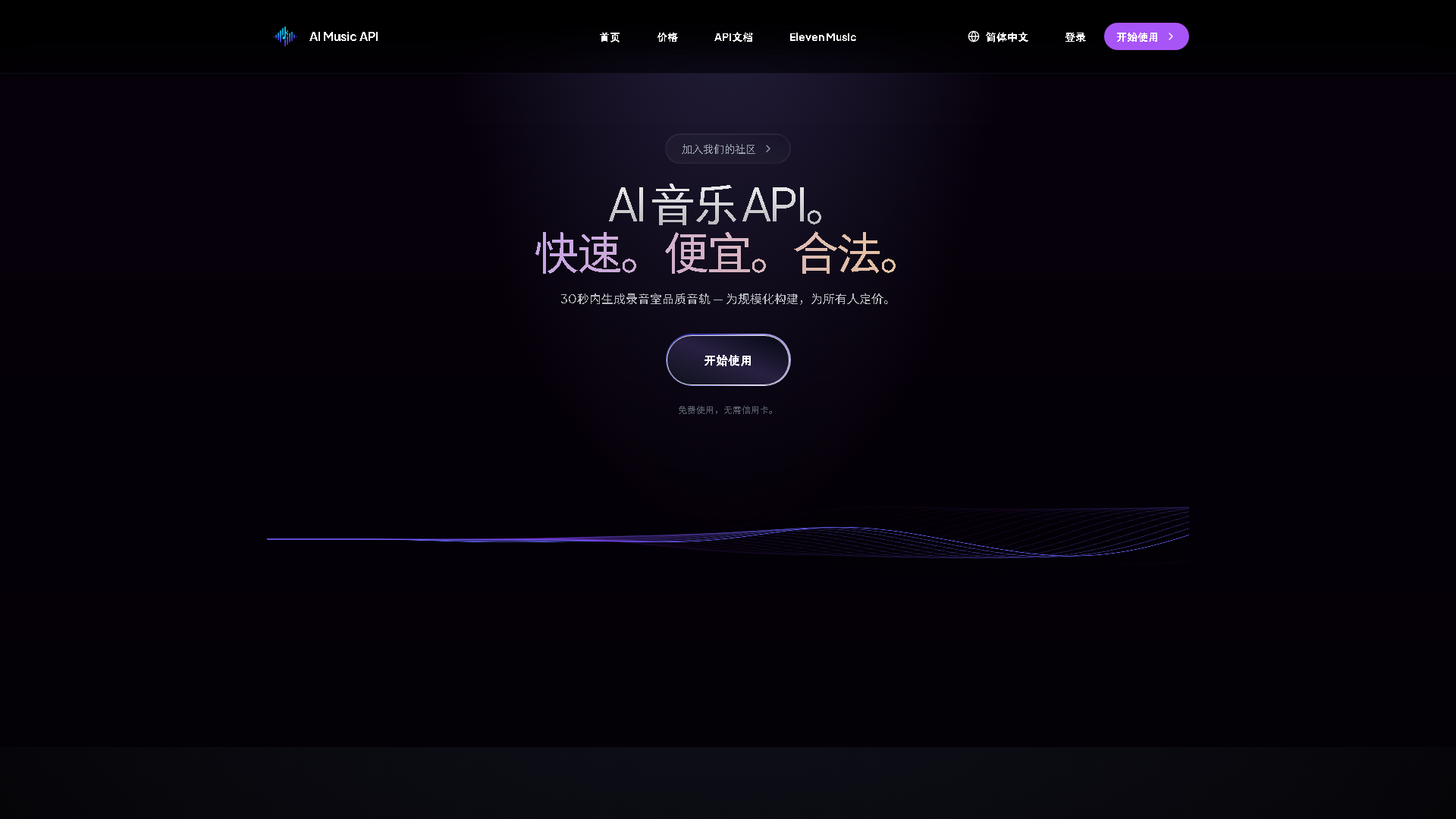
AI音乐API | 为开发者提供的AI音乐生成API,由Suno和Riffusion驱动
About SunoAPI - Audio & Voice AI Tool
Key Features of SunoAPI
- Advanced Audio & Voice capabilities powered by AI
- User-friendly interface designed for AI Instrumental Generator
- Professional-grade features
- Compatible with modern web browsers and devices
- Regular updates and improvements
Who Should Use SunoAPI?
SunoAPI is perfect for professionals, businesses, and individuals looking for reliable Audio & Voice solutions. Whether you're a beginner or an expert in AI Instrumental Generator, this tool offers the flexibility and power you need. Explore our complete AI tools directory to discover more innovative solutions.
How to Use SunoAPI - Step-by-Step Guide
Getting started with SunoAPI is simple and straightforward. Follow this comprehensive guide to maximize your Audio & Voice experience.
Frequently Asked Questions About SunoAPI
How to use SunoAPI for Audio & Voice?
Starting with SunoAPI means getting your hands dirty in the developer playground first; it’s not a drag-and-drop, no-brainer web toy. You’ll sign up, grab your API keys, and then start experimenting with sending text prompts that describe the vibe or genre you want. The onboarding is straightforward if you’re used to APIs, but if you’re not, expect a bit of a learning curve around how to phrase prompts to avoid blandness or weird glitches in the music. There’s no instant magic button — it’s more like tuning a musical instrument through code. You’ll spend some time tweaking parameters and testing outputs, maybe even layering it into your app’s backend before hearing something that clicks. Worst case, you’ll have to wrestle with the usual API hiccups and figuring out usage limits, but if you stick with it, you’ll find a surprisingly flexible tool that speeds up music production where hiring a composer wasn’t an option.
Is SunoAPI free to use in 2026?
SunoAPI is a paid tool. Visit their official website for verified pricing and billing options.
What are the best Audio & Voice alternatives to SunoAPI?
The best alternatives to SunoAPI in the Audio & Voice category include Tad AI and Beatoven.ai. Explore other Audio & Voice tools to find the perfect fit for your needs.
What are the key features of SunoAPI?
SunoAPI offers advanced Audio & Voice capabilities including AI-powered AI Instrumental Generator, user-friendly interface, cross-platform compatibility, and regular updates. It's designed for professionals who need reliable Audio & Voice solutions.
Is SunoAPI suitable for beginners?
Absolutely! SunoAPI is designed with both beginners and experts in mind. The intuitive interface and comprehensive documentation make it easy for newcomers to Audio & Voice to get started, while advanced features satisfy professional requirements.
How does SunoAPI compare to other Audio & Voice tools?
SunoAPI offers competitive features in the Audio & Voice space, with particular strengths in AI Instrumental Generator. Compare features, pricing, and user reviews to find the best fit for your specific needs.