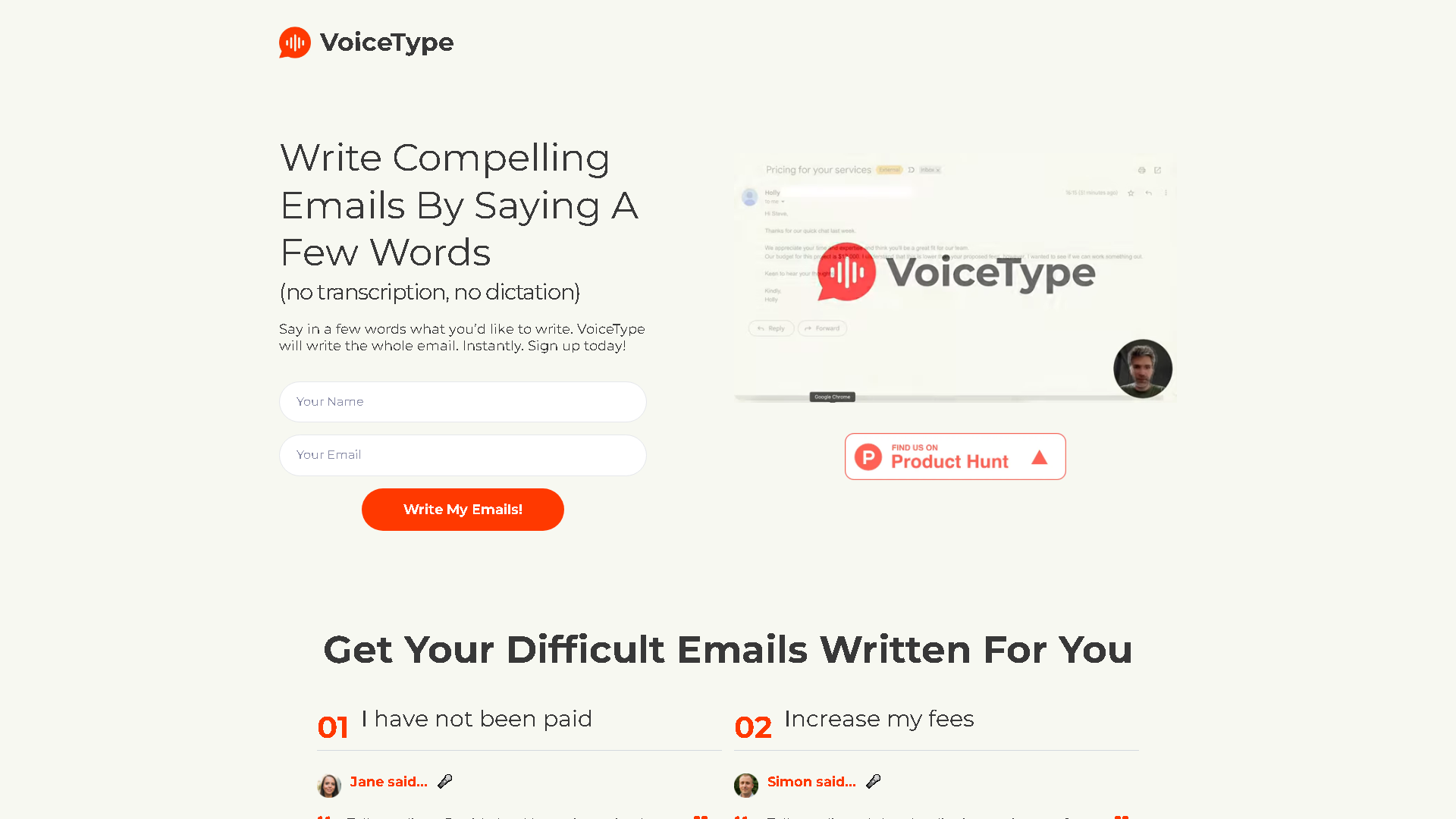

VoiceType
VoiceType - Write Your Entire Email From Short Voice Prompt
About VoiceType - Writing & Content AI Tool
Key Features of VoiceType
- Advanced Writing & Content capabilities powered by AI
- User-friendly interface designed for AI Email Writer
- Professional-grade features
- Compatible with modern web browsers and devices
- Regular updates and improvements
Who Should Use VoiceType?
VoiceType is perfect for professionals, businesses, and individuals looking for reliable Writing & Content solutions. Whether you're a beginner or an expert in AI Email Writer, this tool offers the flexibility and power you need. Explore our complete AI tools directory to discover more innovative solutions.
How to Use VoiceType - Step-by-Step Guide
Getting started with VoiceType is simple and straightforward. Follow this comprehensive guide to maximize your Writing & Content experience.
Frequently Asked Questions About VoiceType
How to use VoiceType for Writing & Content?
**Who is it for?** VoiceType is designed for busy professionals, entrepreneurs, executives, and really anyone who spends a significant part of their day writing emails and wants to reclaim that time. **What does it do?** It is an AI email composer that uses voice commands to generate complete, well-structured email drafts, saving users from the tedious task of manual writing. **When is it used?** You use it whenever you need to quickly draft an email, especially when you're multitasking, on the go, or simply experiencing writer's block. **Where does it work?** It operates as a web-based application accessible through its website on various devices, aiming for seamless integration into your daily workflow wherever you are. **Why use it?** The core value is massive time savings and reduced mental fatigue. It streamlines communication, boosts productivity, and helps you maintain a consistent, professional tone in all your emails. **How does it work?** You simply click to record a short voice prompt stating your intent, and the AI almost instantly generates a full email body that you can review, edit, and send.
Is VoiceType free to use in 2026?
VoiceType is a paid tool. Visit their official website for verified pricing and billing options.
What are the best Writing & Content alternatives to VoiceType?
The best alternatives to VoiceType in the Writing & Content category include Superhuman and Spark Mail. Explore other Writing & Content tools to find the perfect fit for your needs.
What are the key features of VoiceType?
VoiceType offers advanced Writing & Content capabilities including AI-powered AI Email Writer, user-friendly interface, cross-platform compatibility, and regular updates. It's designed for professionals who need reliable Writing & Content solutions.
Is VoiceType suitable for beginners?
Absolutely! VoiceType is designed with both beginners and experts in mind. The intuitive interface and comprehensive documentation make it easy for newcomers to Writing & Content to get started, while advanced features satisfy professional requirements.
How does VoiceType compare to other Writing & Content tools?
VoiceType offers competitive features in the Writing & Content space, with particular strengths in AI Email Writer. Compare features, pricing, and user reviews to find the best fit for your specific needs.