y2doc
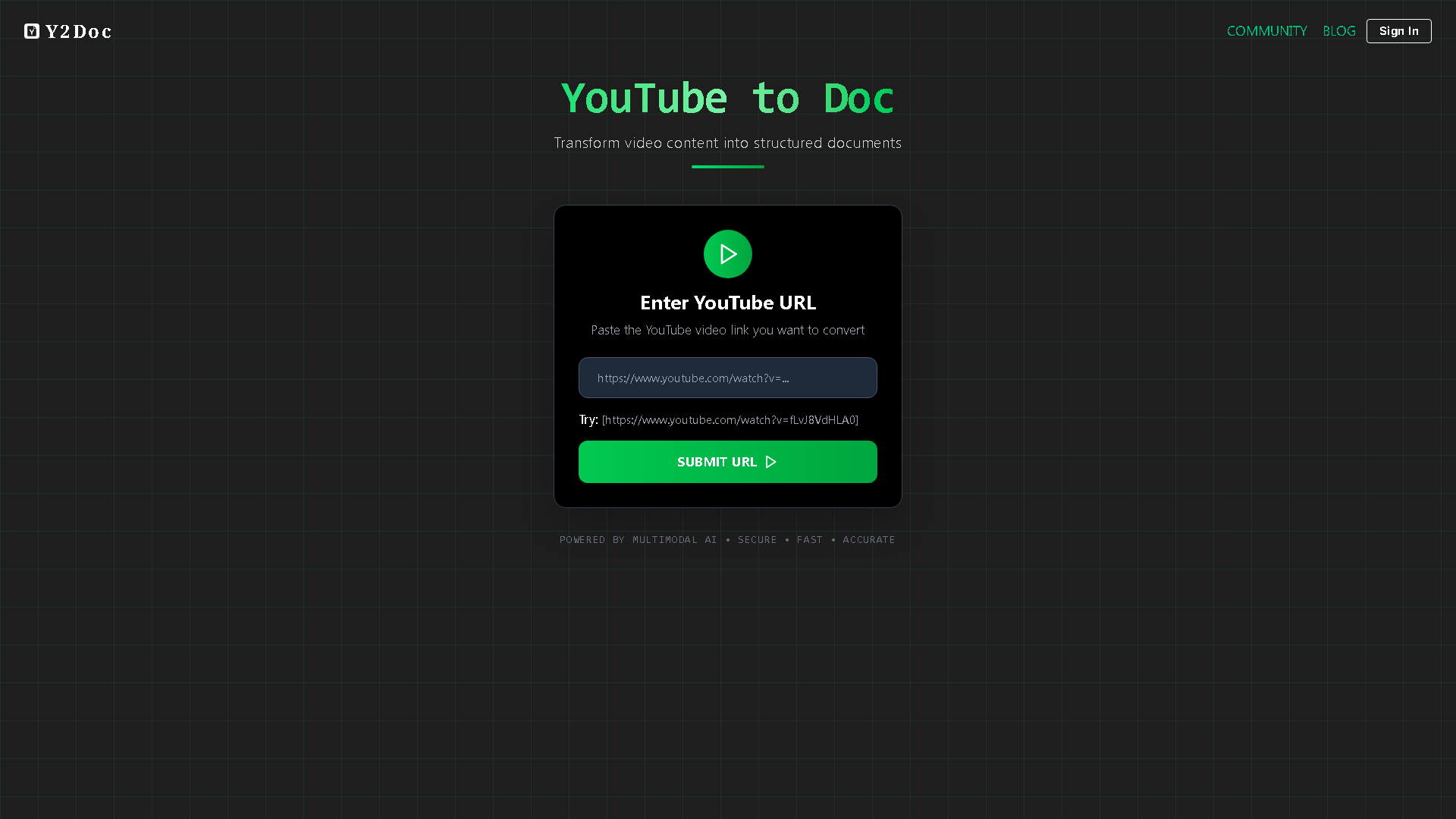
YouTube to Doc
About y2doc - Office & Productivity AI Tool
Key Features of y2doc
- Advanced Office & Productivity capabilities powered by AI
- User-friendly interface designed for AI Productivity Tools
- Professional-grade features
- Compatible with modern web browsers and devices
- Regular updates and improvements
Who Should Use y2doc?
y2doc is perfect for professionals, businesses, and individuals looking for reliable Office & Productivity solutions. Whether you're a beginner or an expert in AI Productivity Tools, this tool offers the flexibility and power you need. Explore our complete AI tools directory to discover more innovative solutions.
How to Use y2doc - Step-by-Step Guide
Getting started with y2doc is simple and straightforward. Follow this comprehensive guide to maximize your Office & Productivity experience.
Frequently Asked Questions About y2doc
How to use y2doc for Office & Productivity?
Getting started with y2doc feels straightforward but can trip you up if you’re not used to AI-powered transcription tools. You basically paste the YouTube link, then wait while it pulls and processes the transcript. The interface nudges you to pick sections or tweak the output, but if you’re looking for a polished report straight away, you’ll need to invest some time cleaning up the text. It’s a bit like getting a rough draft—you have to do some editing to make it usable. Expect some delays if the video is long or the speech is unclear. Also, there’s a learning curve in figuring out how to best chunk the content for your needs. It’s not a one-click solution but can save you hours if you’re willing to roll up your sleeves.
Is y2doc free to use in 2026?
y2doc is a paid tool. Visit their official website for verified pricing and billing options.
What are the best Office & Productivity alternatives to y2doc?
The best alternatives to y2doc in the Office & Productivity category include VoxDeck and Kuse. Explore other Office & Productivity tools to find the perfect fit for your needs.
What are the key features of y2doc?
y2doc offers advanced Office & Productivity capabilities including AI-powered AI Productivity Tools, user-friendly interface, cross-platform compatibility, and regular updates. It's designed for professionals who need reliable Office & Productivity solutions.
Is y2doc suitable for beginners?
Absolutely! y2doc is designed with both beginners and experts in mind. The intuitive interface and comprehensive documentation make it easy for newcomers to Office & Productivity to get started, while advanced features satisfy professional requirements.
How does y2doc compare to other Office & Productivity tools?
y2doc offers competitive features in the Office & Productivity space, with particular strengths in AI Productivity Tools. Compare features, pricing, and user reviews to find the best fit for your specific needs.