
Custom Vision
Custom Vision - Home
About Custom Vision - Image Analysis AI Tool
Key Features of Custom Vision
- Advanced Image Analysis capabilities powered by AI
- User-friendly interface designed for AI Describe Image
- Professional-grade features
- Compatible with modern web browsers and devices
- Regular updates and improvements
Who Should Use Custom Vision?
Custom Vision is perfect for professionals, businesses, and individuals looking for reliable Image Analysis solutions. Whether you're a beginner or an expert in AI Describe Image, this tool offers the flexibility and power you need. Explore our complete AI tools directory to discover more innovative solutions.
How to Use Custom Vision - Step-by-Step Guide
Getting started with Custom Vision is simple and straightforward. Follow this comprehensive guide to maximize your Image Analysis experience.
Frequently Asked Questions About Custom Vision
How to use Custom Vision for Image Analysis?
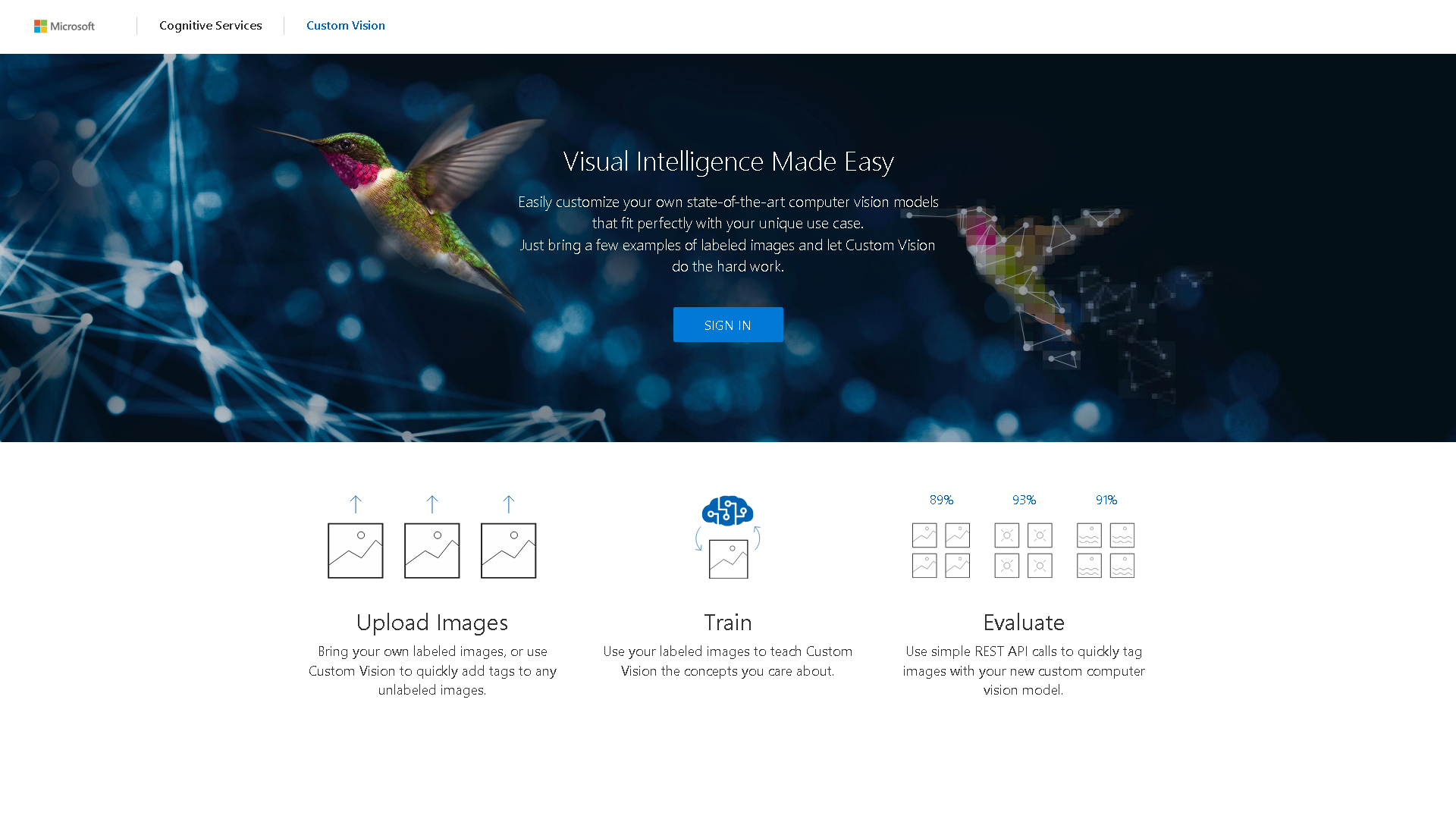
Starting with Custom Vision feels like stepping into a sandbox that’s partly built for you, partly under construction. You begin by creating a project online, which is straightforward enough, but then the real work begins—gathering images, tagging them carefully, and making sure you don’t throw garbage data at the model. The interface tries to be kind, nudging you to upload balanced sets and preview results, but it doesn’t replace the need for a clear plan or some understanding of how image data works. After training, you test your model right there in the browser, which is gratifying but often makes you realize you need more or better examples. Exporting or deploying the model can be a maze tied into Azure’s broader platform, so if you’re not already familiar with cloud services, prepare for a gentle learning curve that might feel steep. It’s not a one-click wonder, but if you’re willing to poke around and iterate, it’s a surprisingly flexible place to build something custom.
Is Custom Vision free to use in 2026?
Custom Vision is a paid tool. Visit their official website for verified pricing and billing options.
What are the best Image Analysis alternatives to Custom Vision?
The best alternatives to Custom Vision in the Image Analysis category include They See Your Photos and SnapAppraise. Explore other Image Analysis tools to find the perfect fit for your needs.
What are the key features of Custom Vision?
Custom Vision offers advanced Image Analysis capabilities including AI-powered AI Describe Image, user-friendly interface, cross-platform compatibility, and regular updates. It's designed for professionals who need reliable Image Analysis solutions.
Is Custom Vision suitable for beginners?
Absolutely! Custom Vision is designed with both beginners and experts in mind. The intuitive interface and comprehensive documentation make it easy for newcomers to Image Analysis to get started, while advanced features satisfy professional requirements.
How does Custom Vision compare to other Image Analysis tools?
Custom Vision offers competitive features in the Image Analysis space, with particular strengths in AI Describe Image. Compare features, pricing, and user reviews to find the best fit for your specific needs.