
GetBotAI
GetBot AI - ChatGPT AI Assistant | GPT-4o, Claude 3.5, Gemini 1.5 & AI Tools
About GetBotAI - Writing & Content AI Tool
Key Features of GetBotAI
- Advanced Writing & Content capabilities powered by AI
- User-friendly interface designed for AI Image Description Generator
- Professional-grade features
- Compatible with modern web browsers and devices
- Regular updates and improvements
Who Should Use GetBotAI?
GetBotAI is perfect for professionals, businesses, and individuals looking for reliable Writing & Content solutions. Whether you're a beginner or an expert in AI Image Description Generator, this tool offers the flexibility and power you need. Explore our complete AI tools directory to discover more innovative solutions.
How to Use GetBotAI - Step-by-Step Guide
Getting started with GetBotAI is simple and straightforward. Follow this comprehensive guide to maximize your Writing & Content experience.
Frequently Asked Questions About GetBotAI
How to use GetBotAI for Writing & Content?
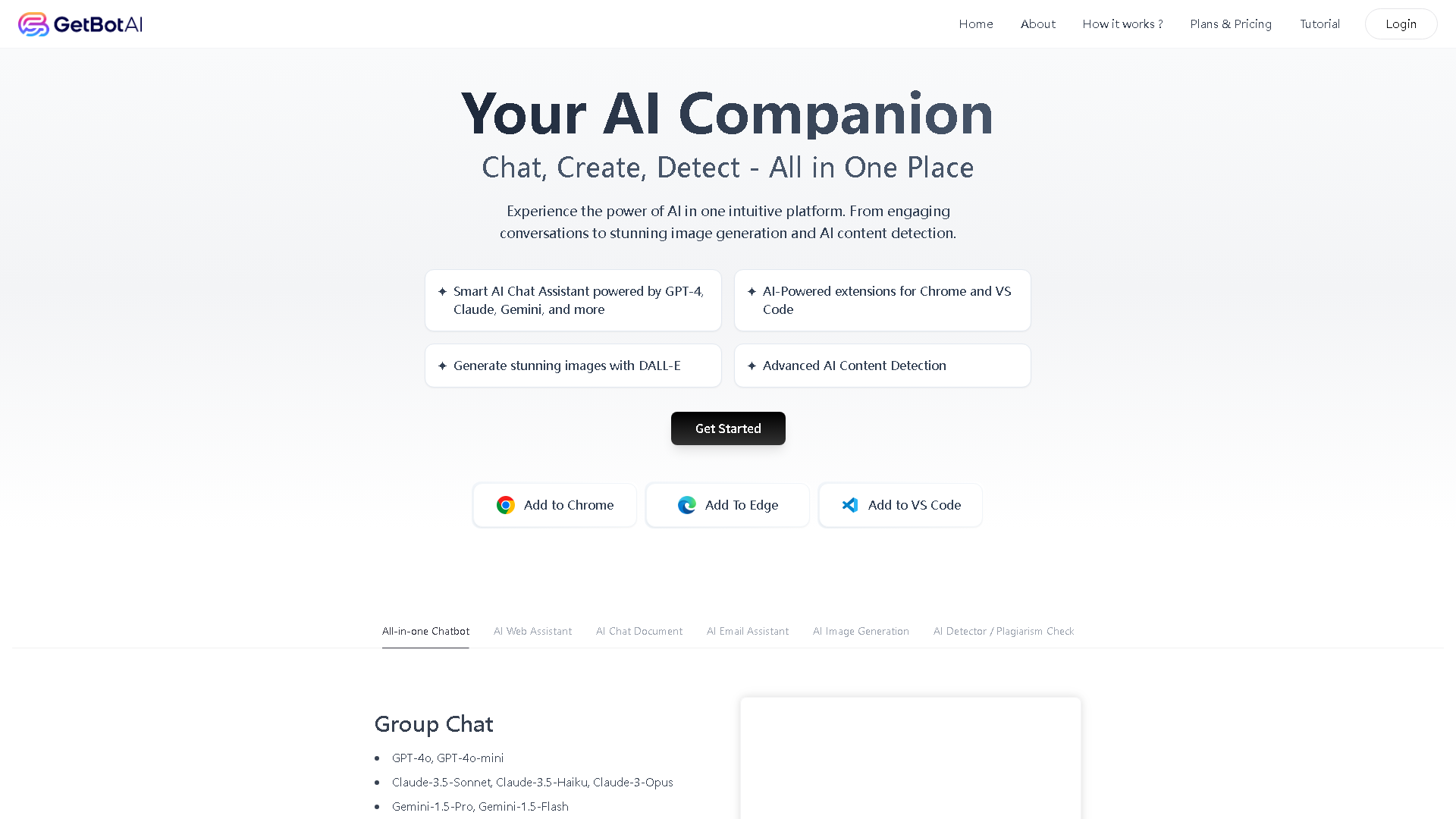
**Who is it for?** GetBotAI is designed for a wide audience, including students, researchers, content creators, professionals, and any everyday internet user who wants to enhance their productivity and understanding while browsing. It's for anyone who has ever wished for a smart assistant to help digest online information. **What does it do?** It provides a powerful AI assistant that operates from a browser sidebar. Its core functions include summarizing web pages and YouTube videos, helping with writing tasks, explaining content, translating languages, interacting with PDFs, and generating images through AI painting, all using top-tier AI models. **When do you use it?** You use it during your regular web browsing sessions. Whenever you encounter a long article, need help composing text, want a quick video summary, or have a question about the content on your screen, you can activate the GetBotAI sidebar for instant assistance. **Where does it work?** It works directly within your web browser (like Chrome or Edge) as an extension. The AI sidebar overlays on top of any website you visit, making its functionality available everywhere you browse on the internet. **Why use it?** The primary reason is to save immense time and boost productivity. It cuts through information overload by providing concise summaries, helps overcome writer's block, and makes learning from online content faster and more efficient. It empowers users to work smarter, not harder. **How does it work?** After installing the browser extension from the GetBotAI website, a small icon appears in your toolbar. Clicking this icon opens the AI sidebar on any site. You then select your preferred AI model and simply start chatting with the bot about the page's content or any other task you have in mind.
Is GetBotAI free to use in 2026?
GetBotAI is a paid tool. Visit their official website for verified pricing and billing options.
What are the best Writing & Content alternatives to GetBotAI?
The best alternatives to GetBotAI in the Writing & Content category include Replicate and Neural Frames. Explore other Writing & Content tools to find the perfect fit for your needs.
What are the key features of GetBotAI?
GetBotAI offers advanced Writing & Content capabilities including AI-powered AI Image Description Generator, user-friendly interface, cross-platform compatibility, and regular updates. It's designed for professionals who need reliable Writing & Content solutions.
Is GetBotAI suitable for beginners?
Absolutely! GetBotAI is designed with both beginners and experts in mind. The intuitive interface and comprehensive documentation make it easy for newcomers to Writing & Content to get started, while advanced features satisfy professional requirements.
How does GetBotAI compare to other Writing & Content tools?
GetBotAI offers competitive features in the Writing & Content space, with particular strengths in AI Image Description Generator. Compare features, pricing, and user reviews to find the best fit for your specific needs.